78
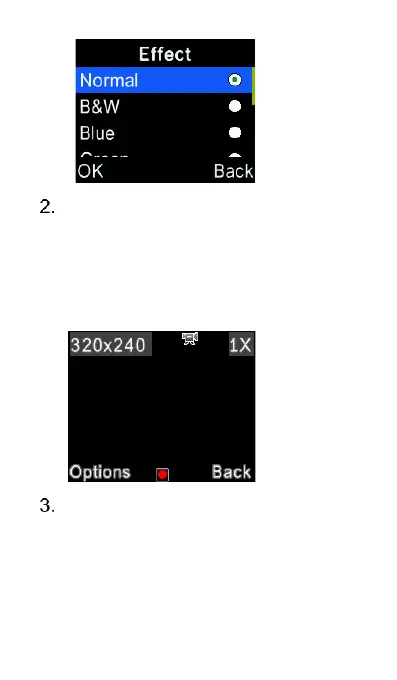
To shoot a video – press the
Options key and select Video
mode. You also can change video
effect and the options for capturing
the videos by pressing the Options
key.
To view the last photos, select
“Options” and select “Gallery“. To
view the last video, press “Options”
while in video mode and select
“View video list” and press the















 To Next Page