99
Press the “Stop” key to finish
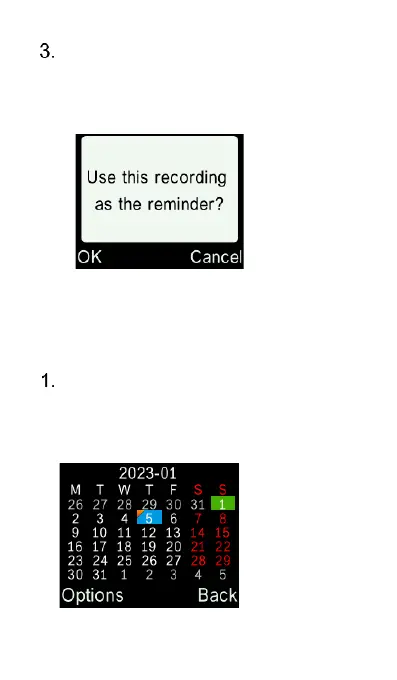
recording, and press “OK” key
again to save and use this
recording as the reminder.
Edit or delete an event
Use cursor keys to select a date
and press “OK” key to open it. (Date
with events is denoted by a yellow
flag)















 To Next Page