11
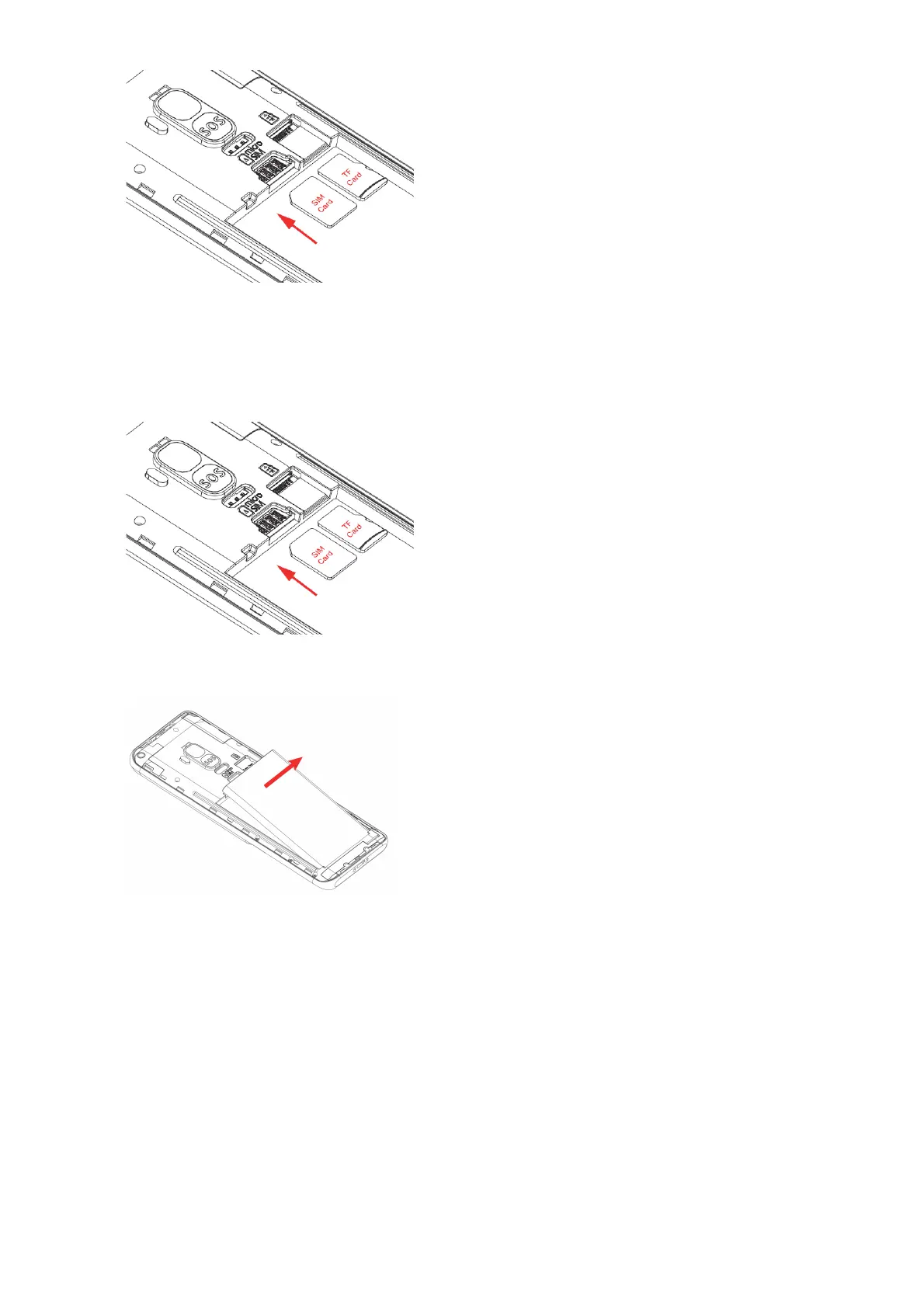
Please note: This phone supports a micro sized SIM card. If you do not have a micro
sized SIM card, please contact your SIM card provider as they will be able to supply
one for you.
5. If you wish to insert an optional TF card for extra phone storage, insert it into the TF card
slot, ensure the gold plates are facing downwards when inserting it into the phone.
6. Re-insert the battery back into the phone. Ensuring the gold plates on the battery and the
phone are aligned
7. Replace the back cover by sliding and pushing your fingers across the edges of the back
cover to ensure it has completely clicked back into place.
8. Place the phone on charge using the charging cradle provided or insert the Micro USB into
the phones charging port located on the base of the phone.















 To Next Page