69
FM Radio
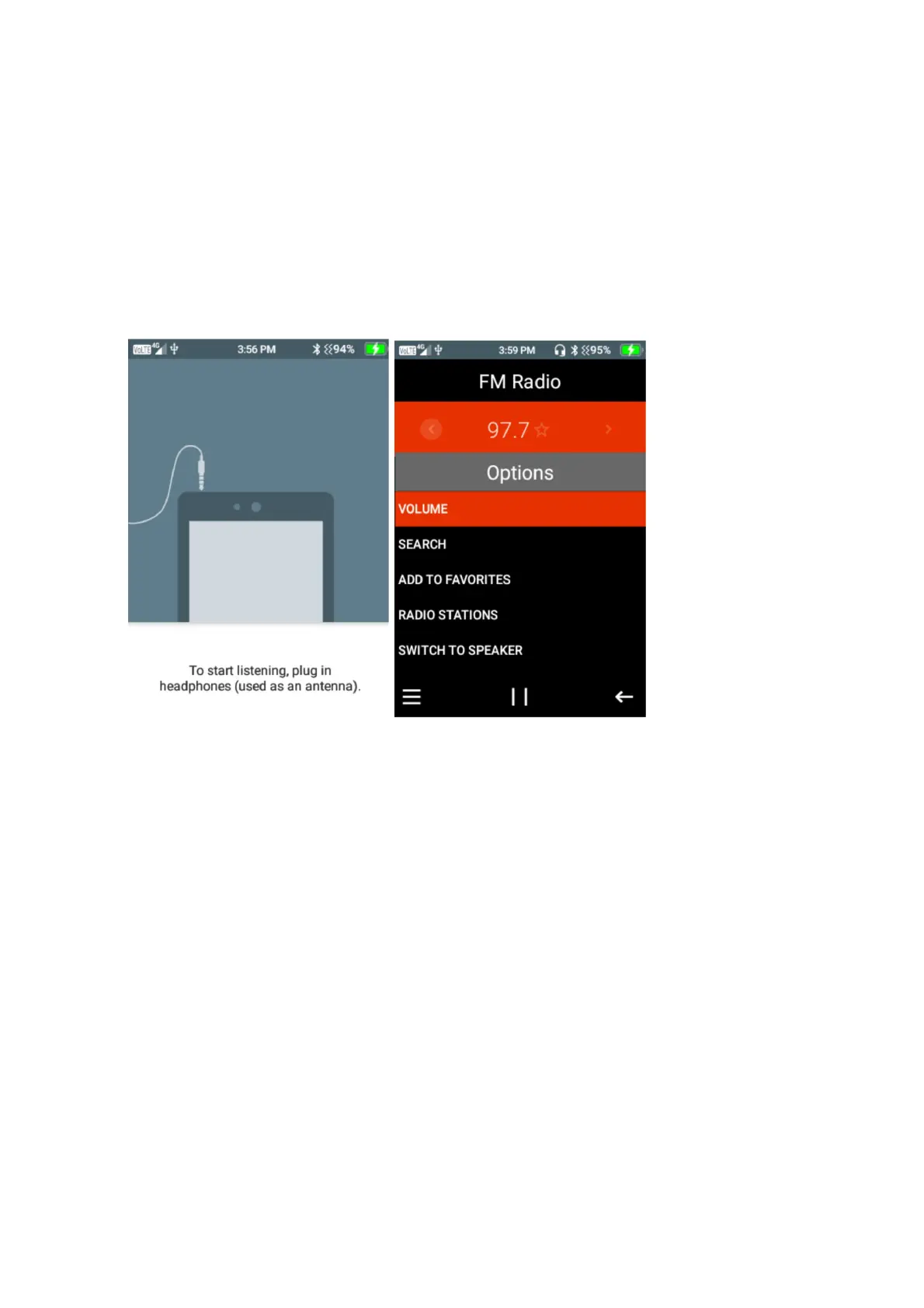
To use the FM Radio, ensure you insert headphones into the device, as these will act as the
antenna. Please note: For a strong FM signal, it is best to be used in an outdoor environment.
1. Press the menu icon, here you can adjust the volume, Search radio stations, add radio
stations to favourites, scroll throgh radio stations and also switch to speaker mode.
Press select on the function your wish to perform
File Manager
Within the file manager, you can view all files and folders that are stores on your device.
Press select on file manager and scroll through using the cursor buttons to select folders to view
contacts in each folder.















 To Next Page