42
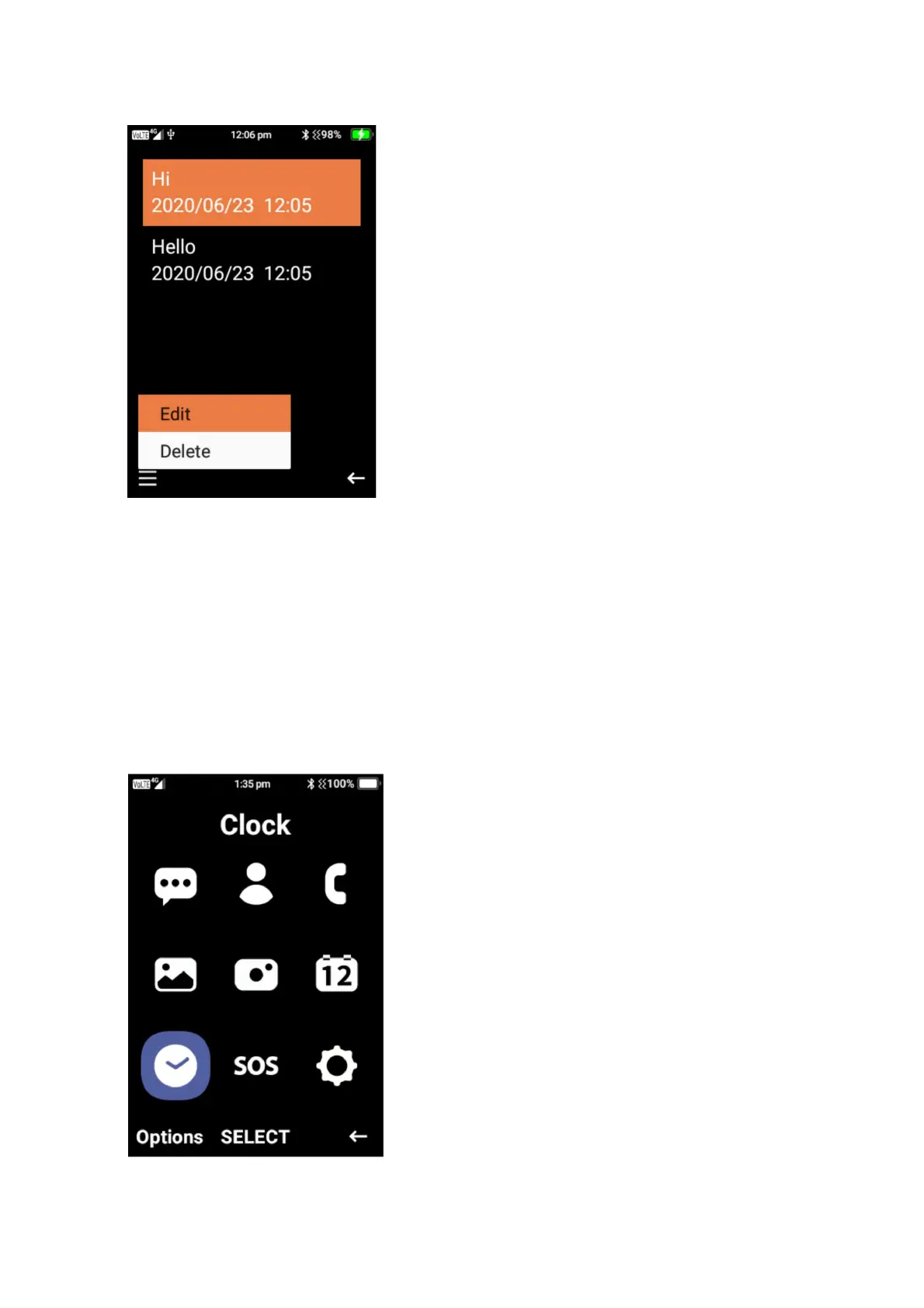
4. To edit or delete an event that has been created. Click on the date of the event, then press
the menu button and select edit or delete on that event.
Clock
To access the clock function, click on menu then highlight and select clock. Under clock you can
set alarms, view world clock, set timer and use the stopwatch.















 To Next Page