60
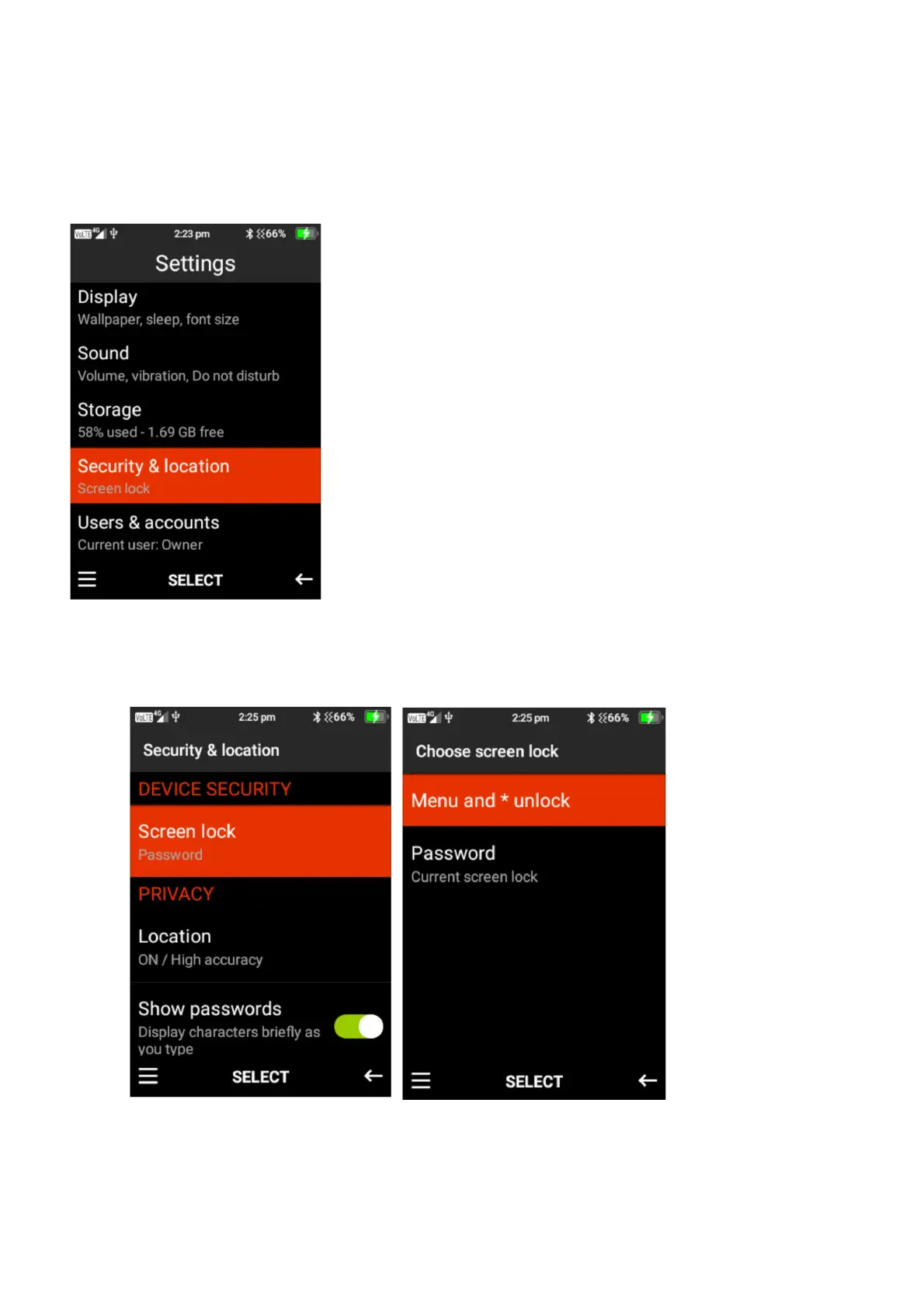
Security & Location
Within this folder you can create a screen lock, turn location services on or off, turn show
passwords on or off and modify SIM card lock features.
1. Screen Lock – Here you can choose to have no screen lock, Menu and *lock and/or a
password lock. Press select on the lock feature you wish to choose for your device.















 To Next Page