40
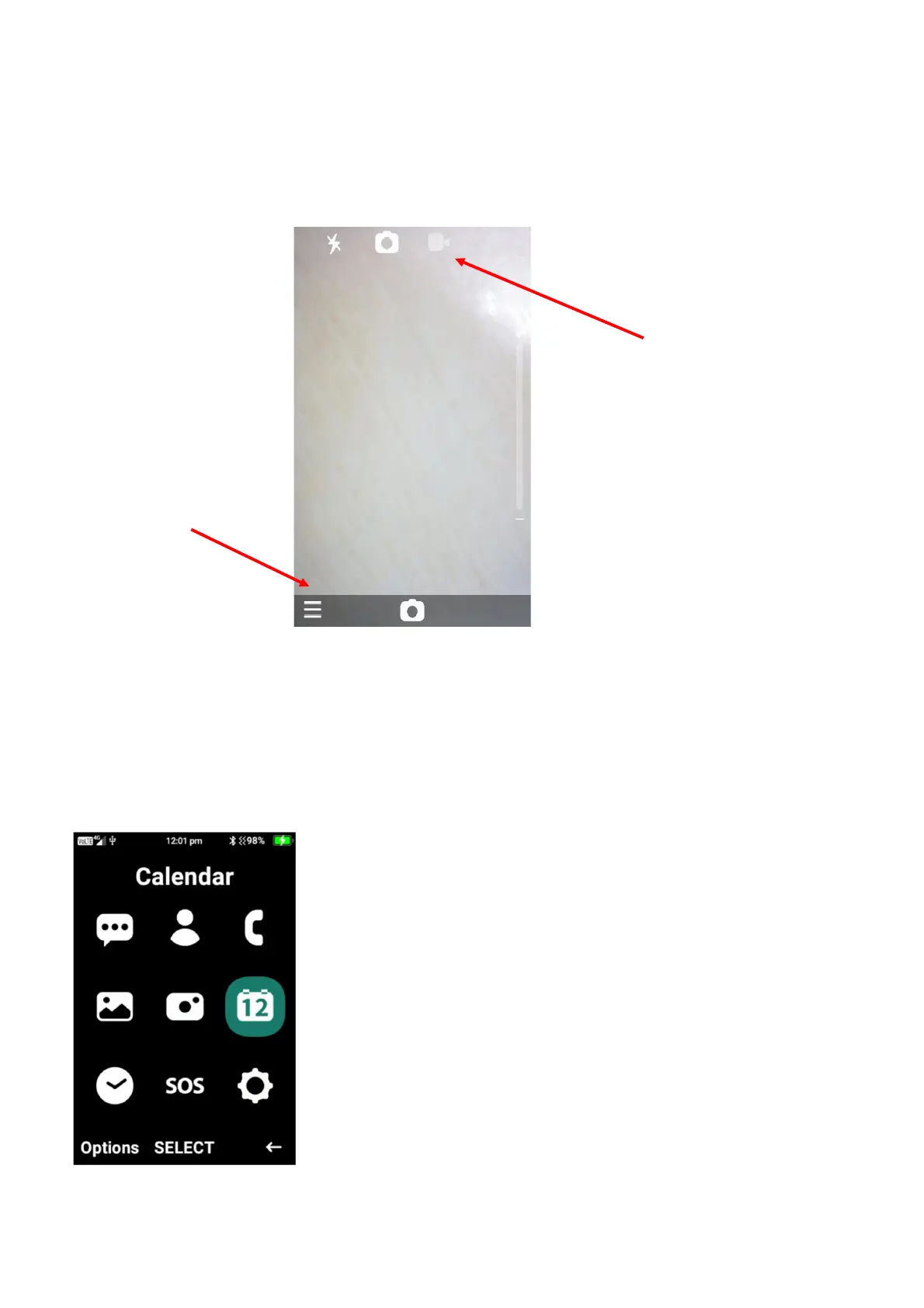
1. To take a photo, press the ok button to take a still shot photo
2. To take a video, press the right cursor key to change to video mode, then press the ok
button to begin recording a video, to then stop recording press the ok button again.
3. To access the cameras settings, click on the menu button. Here you will be able to turn the
flash on/off or auto, choose self-timer settings, go to the gallery, change where to save
images and videos, change camera rear or front camera.
Calendar
To access the calendar, click on the menu then select on the calendar icon. In calendar you are
able to create events and/or reminders for specific dates.
Options
navigation key to
switch camera or
video mode















 To Next Page