66
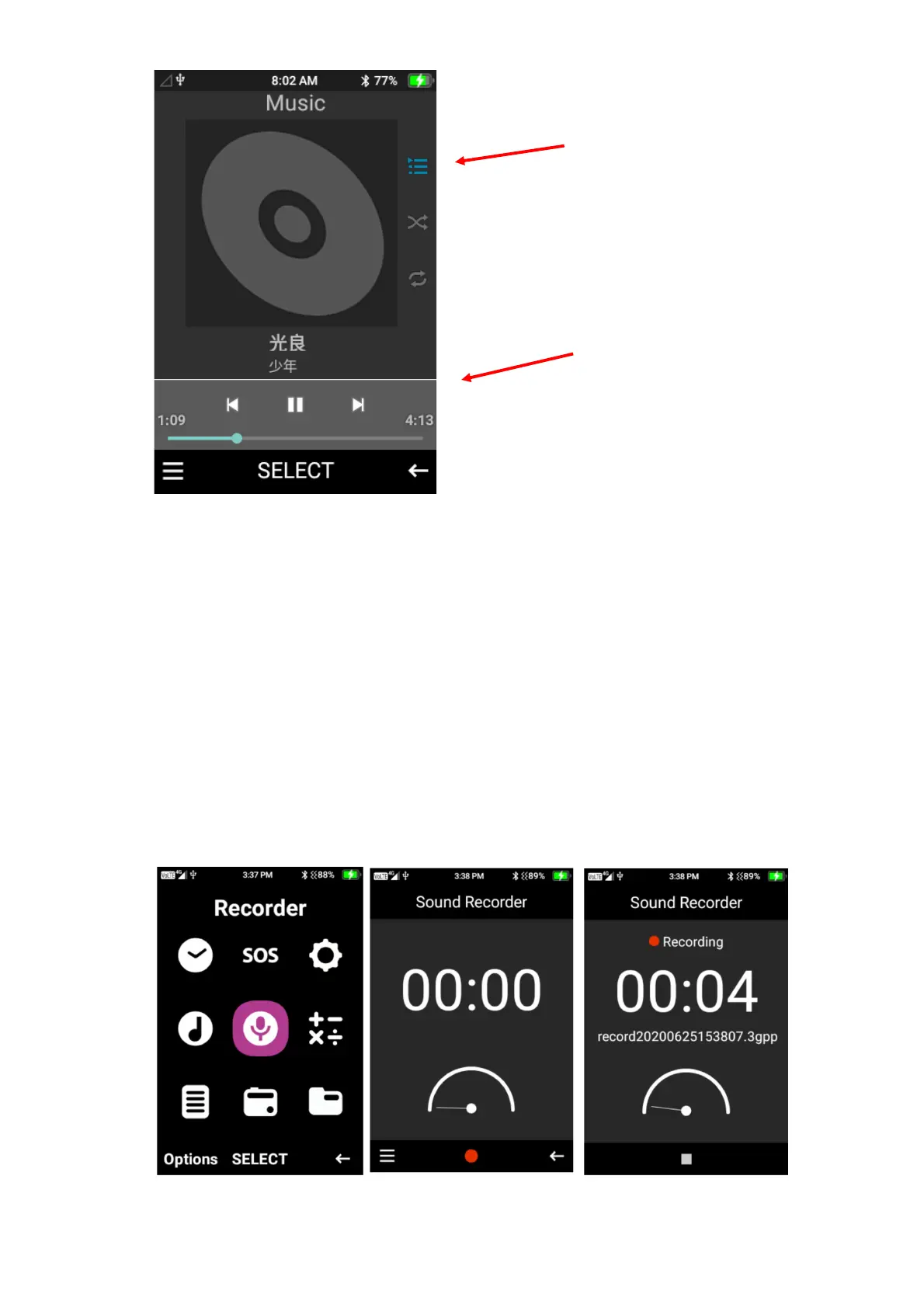
Recorder
Here you can record audio and sounds from your device.
Press the ok button on the red record icon to record audio, then press stop to stop the recording,
then save to save the recording.
To then view and replay the audio, press the left selection button on the menu then highlight and
press play to listen to that audio recording. You are also able to delete recording from this same
menu function, just select delete on the recording you wish to delete.















 To Next Page