15
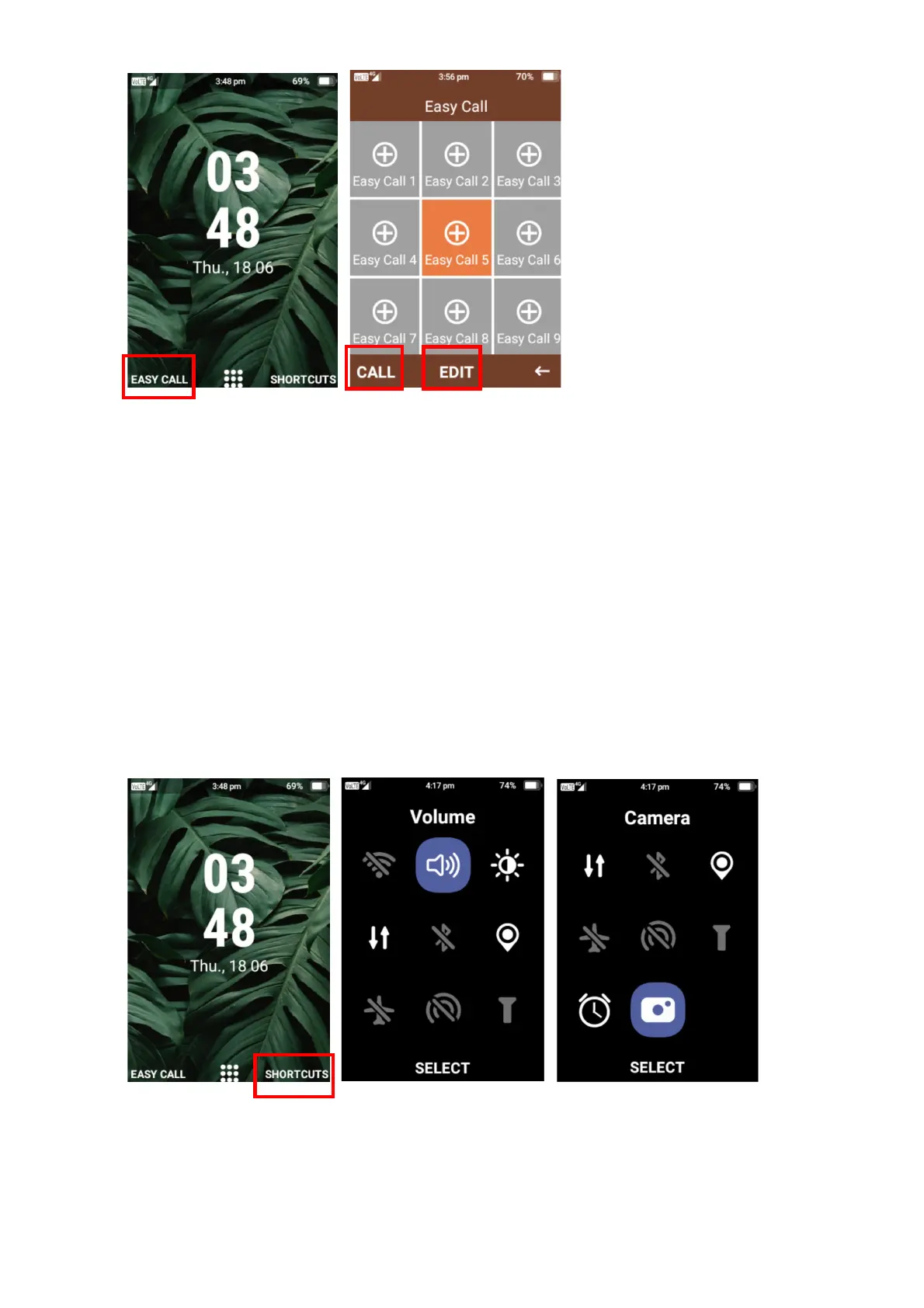
Shortcuts
Shortcut menu helps you access menus and settings quickly and easily.
You can access Wi-Fi, Volume, Brightness, Cellular Data, Bluetooth, Location, Airplane Mode,
Hotspot, Flashlight, Alarm Clock and Camera.
Simply press the right selection key on Shortcuts to open this function and use the cursor buttons
to highlight the menu you want to select and then press the ok button to select it.















 To Next Page