39
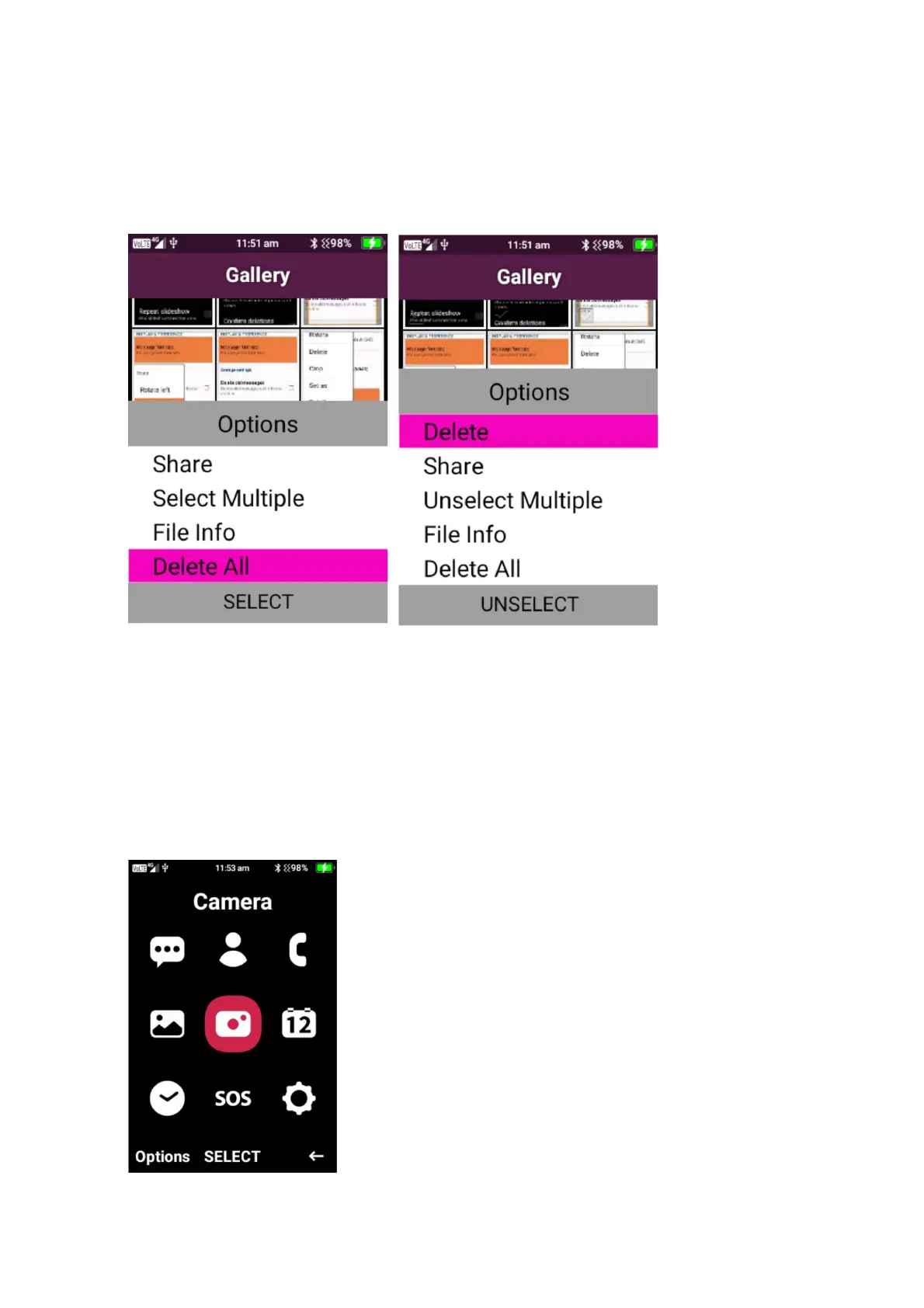
Gallery options – select menu when the gallery is open to bring up the gallery options.
1. Share – highlight an image then click share to share the image via messages or Bluetooth
2. Select Multiple – press on select multiple to select multiple images/videos to share or delete
3. Delete all – this will delete all images and videos in gallery
Camera
To access the camera, click on menu then press select on the camera icon. Within the camera
you can take still shot photos and videos. The phone has 2 camera, one located on the back of
the phone and one located on the front of the phone.















 To Next Page