38
5. Crop – to crop an image, select crop. Using the keypad you can change the cropping’s of
the image. Number 2 with increase the top and bottom of the image, 8 will decrease the top
and bottom of the image, 4 will increase the left and right side of the image and 6 will
decrease the left and right side of the image. Once completed click save to save the
cropping
6. Set as – here you can select to set the image as wallpaper or a contacts photo. Press ok on
the option you wish choose.
7. Slideshow – Selecting slideshow will automatically begin to slideshow all your images and
videos.
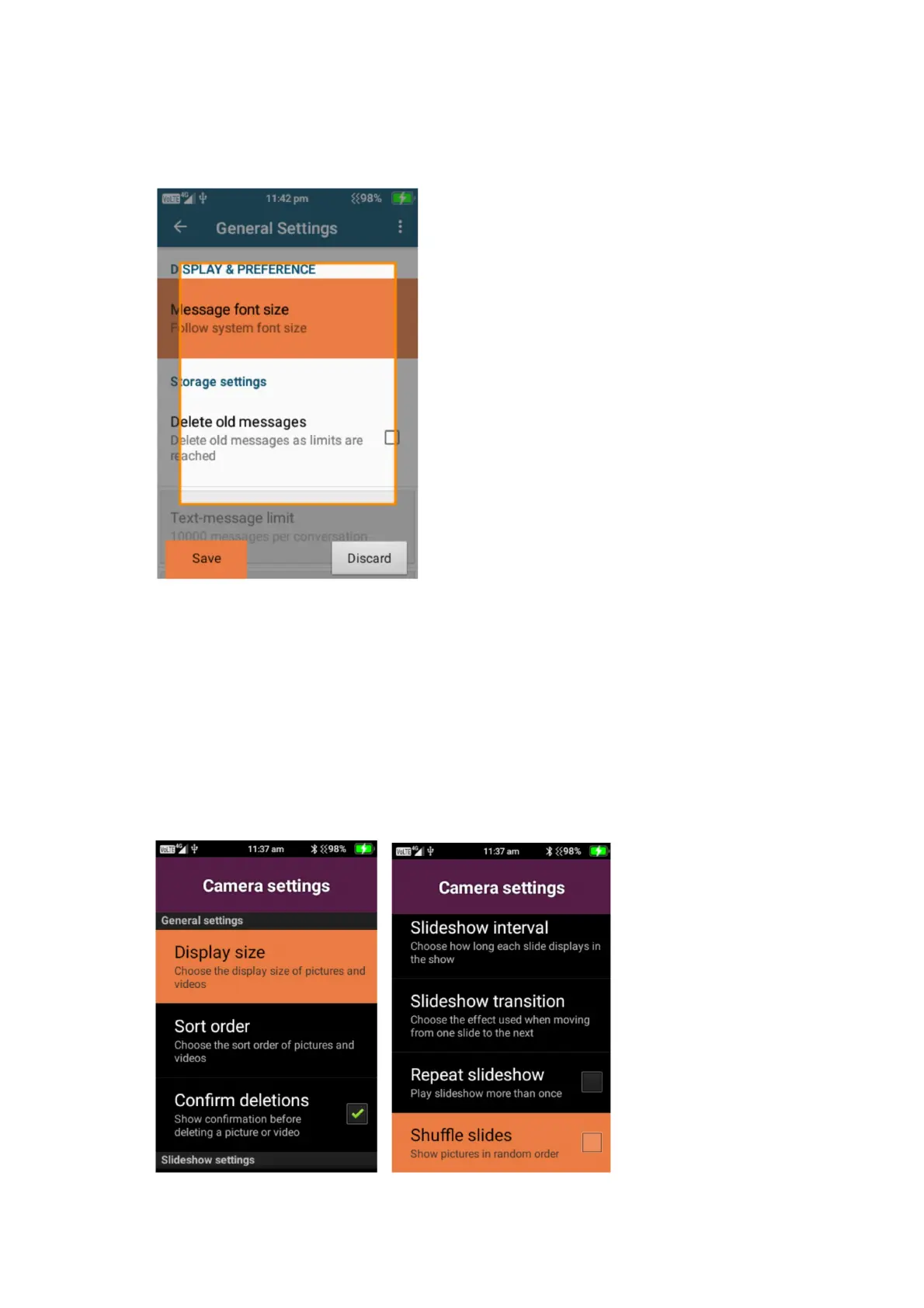
8. Settings – Under settings you can adjust the display size of picture and videos, Change the
sort order of pictures, confirm deletion message, Slideshow interval settings, Slideshow
transition options, repeat slideshow options and shuffle slideshow settings.















 To Next Page