37
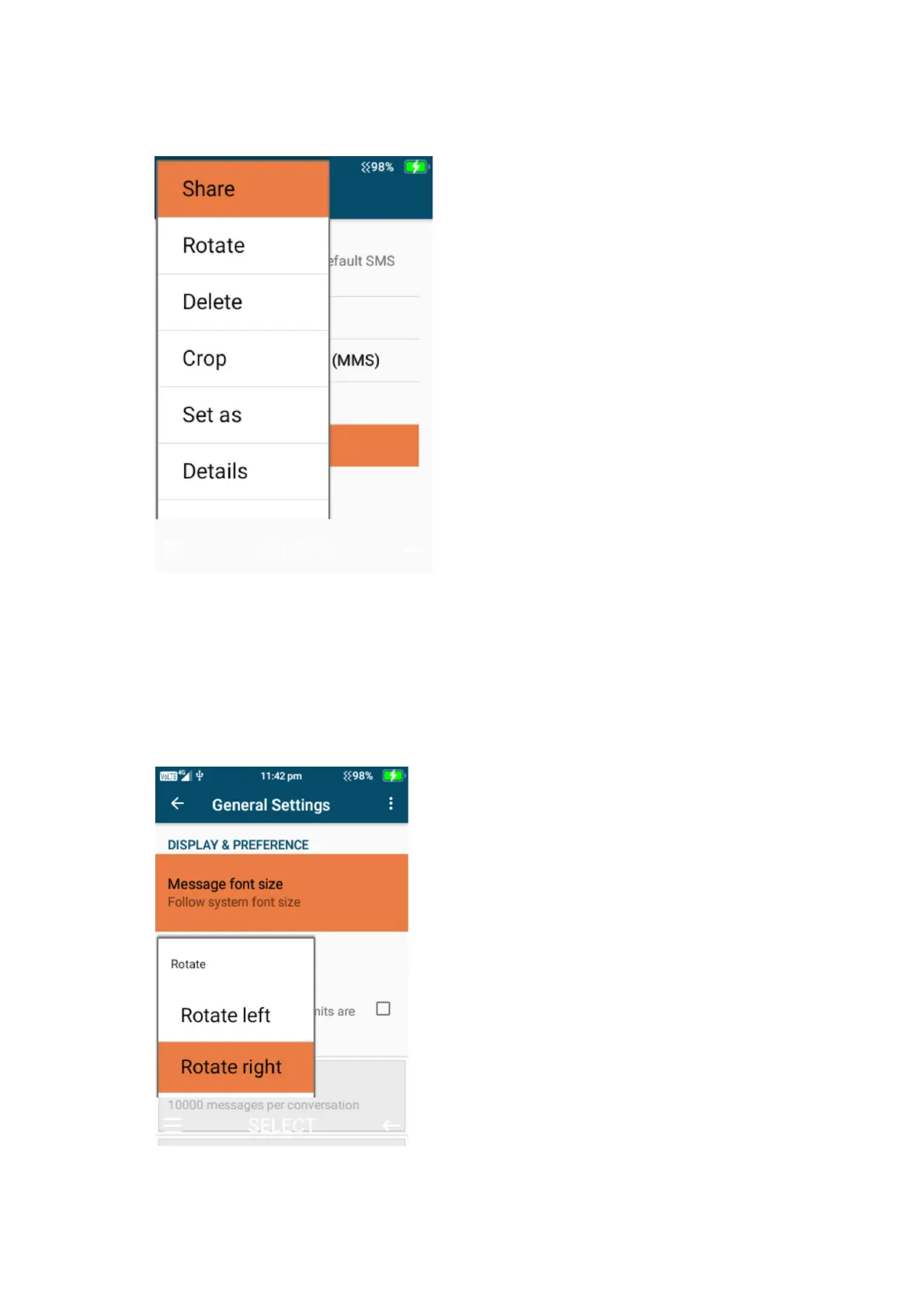
2. When the image is selected you can click the left menu button to be able to share (Via MMS
or Bluetooth), Rotate, delete, crop, set as (Wallpaper), Slideshow and settings.
3. Share – to share the image press ok on share and choose whether to share via message or
Bluetooth. Sharing via messaging will bring up the messaging system to share this image
with your contact. Sharing via Bluetooth will search for nearby Bluetooth devices to share
the image with, connect to that device to share the image.
4. Rotate – to rotate an image, click on rotate and choose to rotate left or right using the ok
button.















 To Next Page