27
SMS/MMS Message options
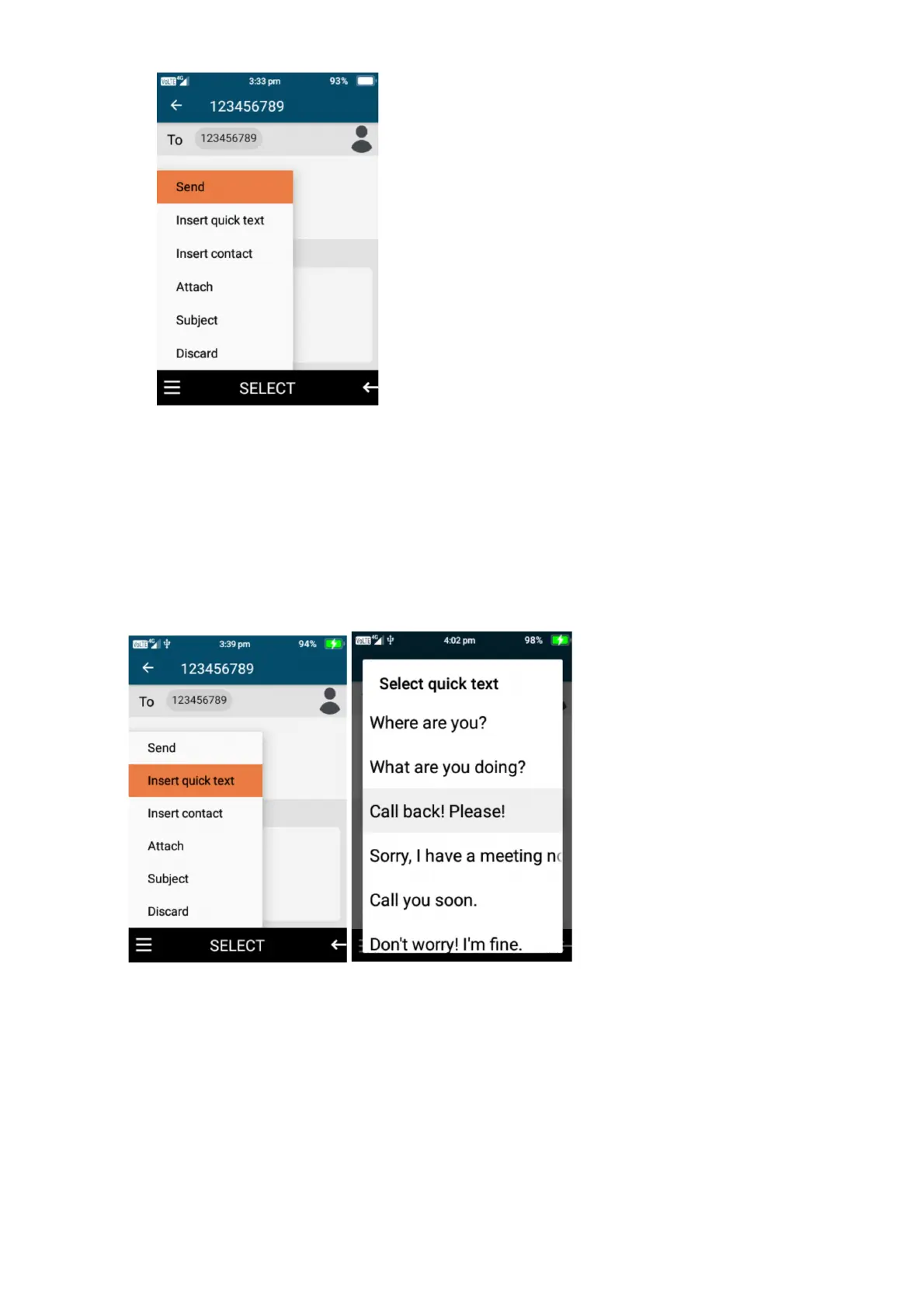
When creating a message there are other options you can choose to send to your contact/s,
insert quick text, insert contact, attach a picture, video or audio, add a subject or discard this
message.
1. Insert quick text, here you are able to choose to choose quick text comments, just press the
ok key on an option you wish to send.
2. Insert contact – by selecting insert contact you can send the name and phone number of
one of your contacts via a text message to another contact. Press select on the contacts you
wish to share and click ok.















 To Next Page