35
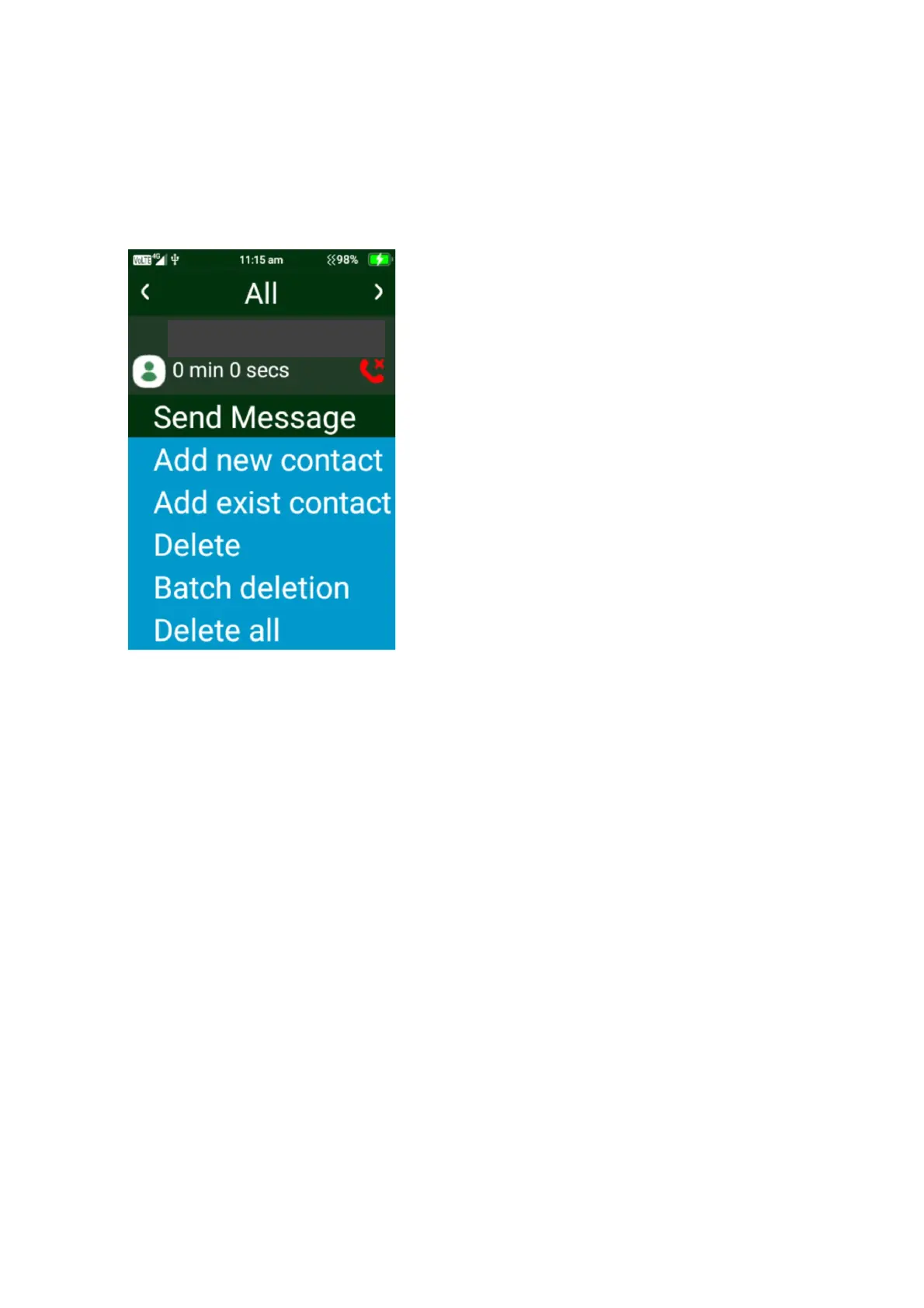
Call log menu options
To access the call menu options, click the left selection button on the menu. Here you will be
able to select to send a message, add as a new contact, add to existing contact, Delete, Batch
delete and delete all call logs.
1. Send Message – Press on send message, this will take you to begin to type a new
message. Follow the same instructions as messages above
2. Add new contact – pressing on add new contact will take you to add this number as a new
contact. Follow the same instructions as above in contacts.
3. Add to existing contact – this will take you to the contacts page, select the contact you wish
to save the number to.
4. Delete – highlight the call log you want to delete, then select delete and confirm deletion.
5. Batch Deletion – click on batch deletion then choose which call logs you wish to delete then
press delete.
6. Delete all – click on delete all to delete all call logs.















 To Next Page