45
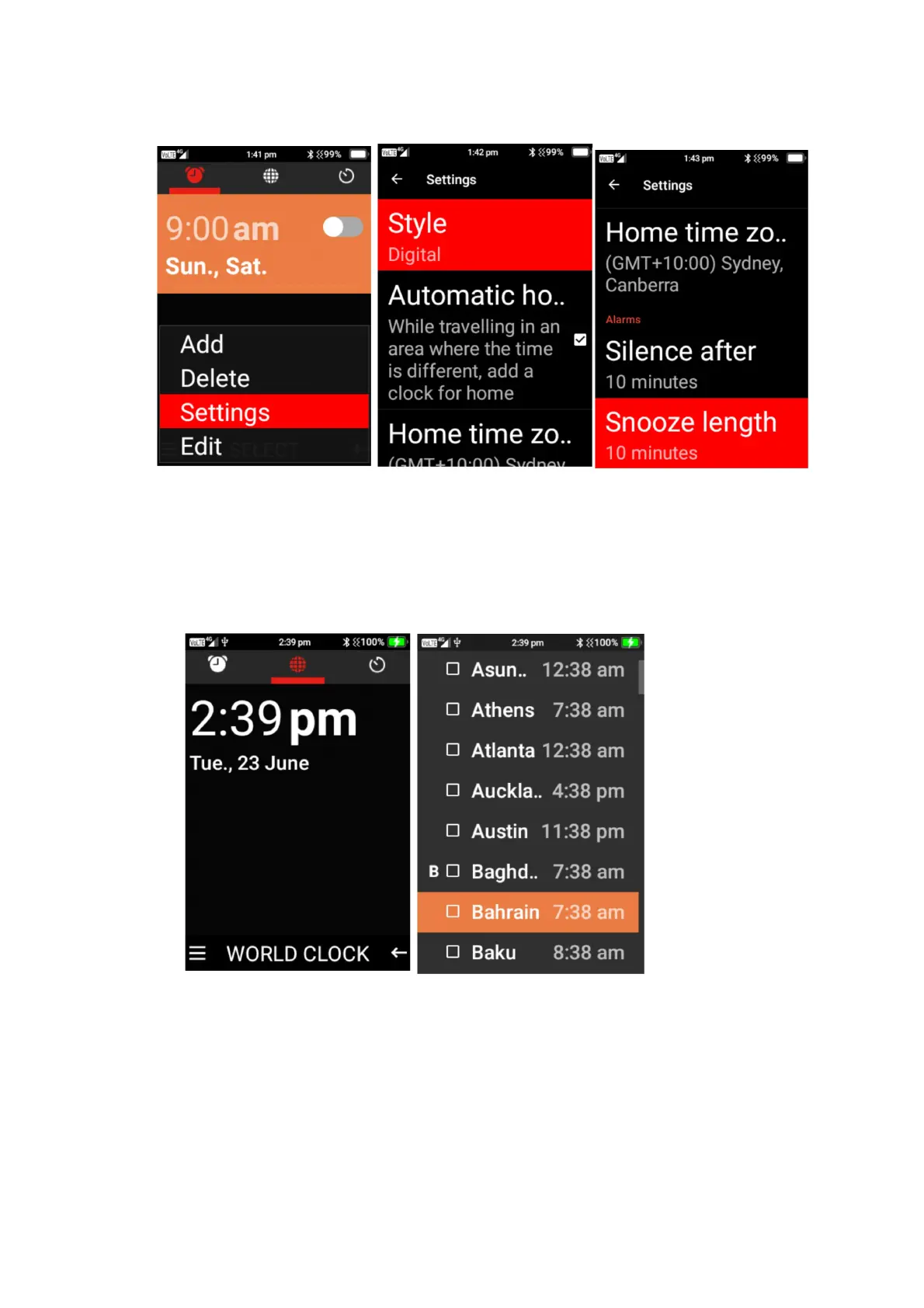
6. Alarm Settings – within alarm settings you can adjust the clock style, automatic home clock
options, home time zone options, silence alarms after a period of time and Snooze time
length.
World Clock
1. To add cities to your world clock list, press the menu button, scroll down using the cursor
button until you find the cities you wish to include in your world clock, then press the ok
button on those cities to add them.
Timer
1. Scroll across to the timer function, using the keypad number, type the time you wish to
count down. E.g, to do 1 Minute. Type in 1, 0, 0. Then click start to activate the timer, an
alarm will sound once the time is up.















 To Next Page