53
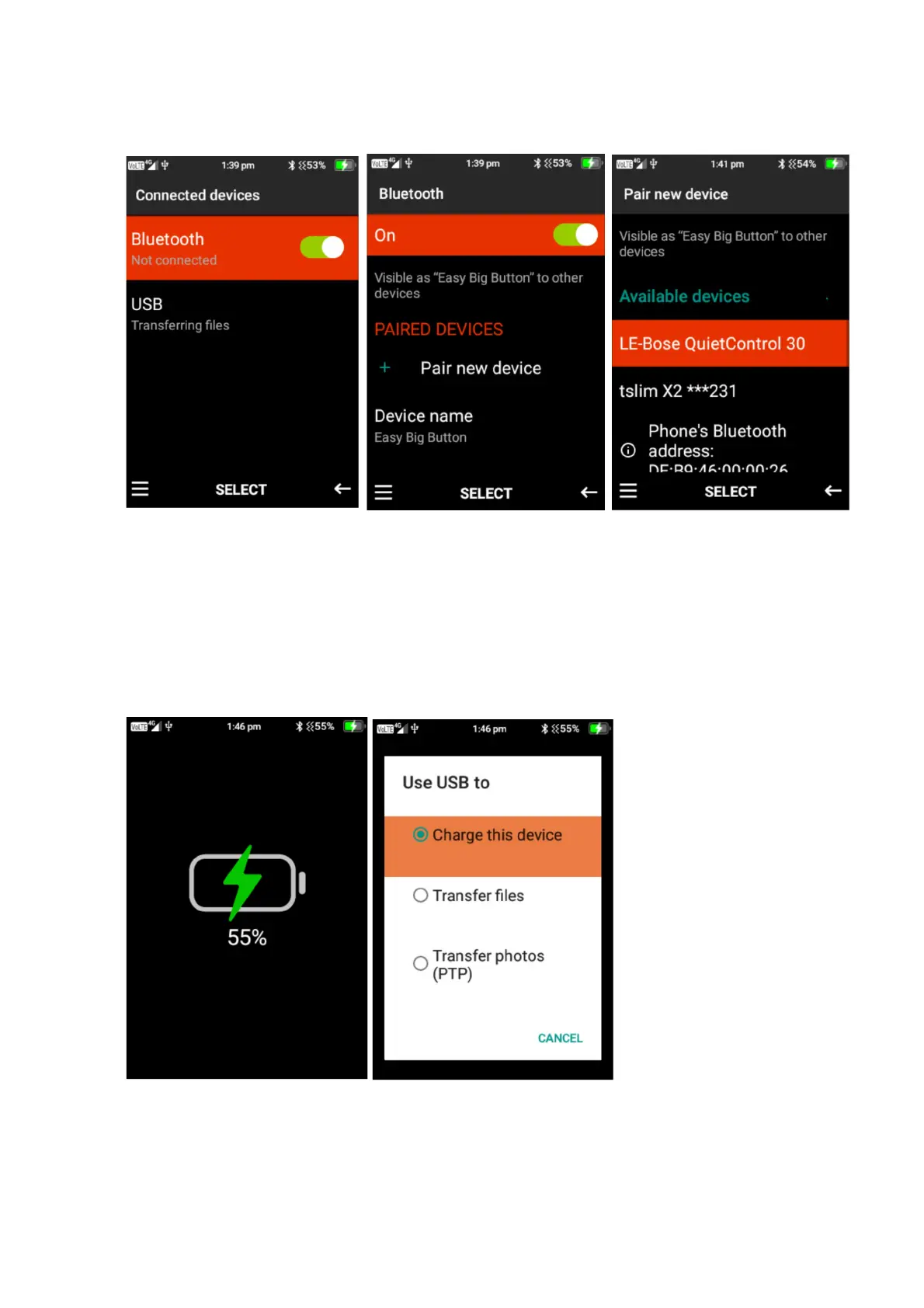
will say connect. Please note: Some devices will require passwords to connect, ensure you
read the instructions on the other device to connect via Bluetooth.
2. Connect via USB – To connect to a device like a computer to transfer files, connect the USB
to the device you want to connect to then connect the micro USB to the phones charging
port. Once connected it will show it is charging, press select to change to transfer files or
transfer photos. It will then show on the computer that the easybigbutton is connect and you
can transfer files or photos.















 To Next Page