56
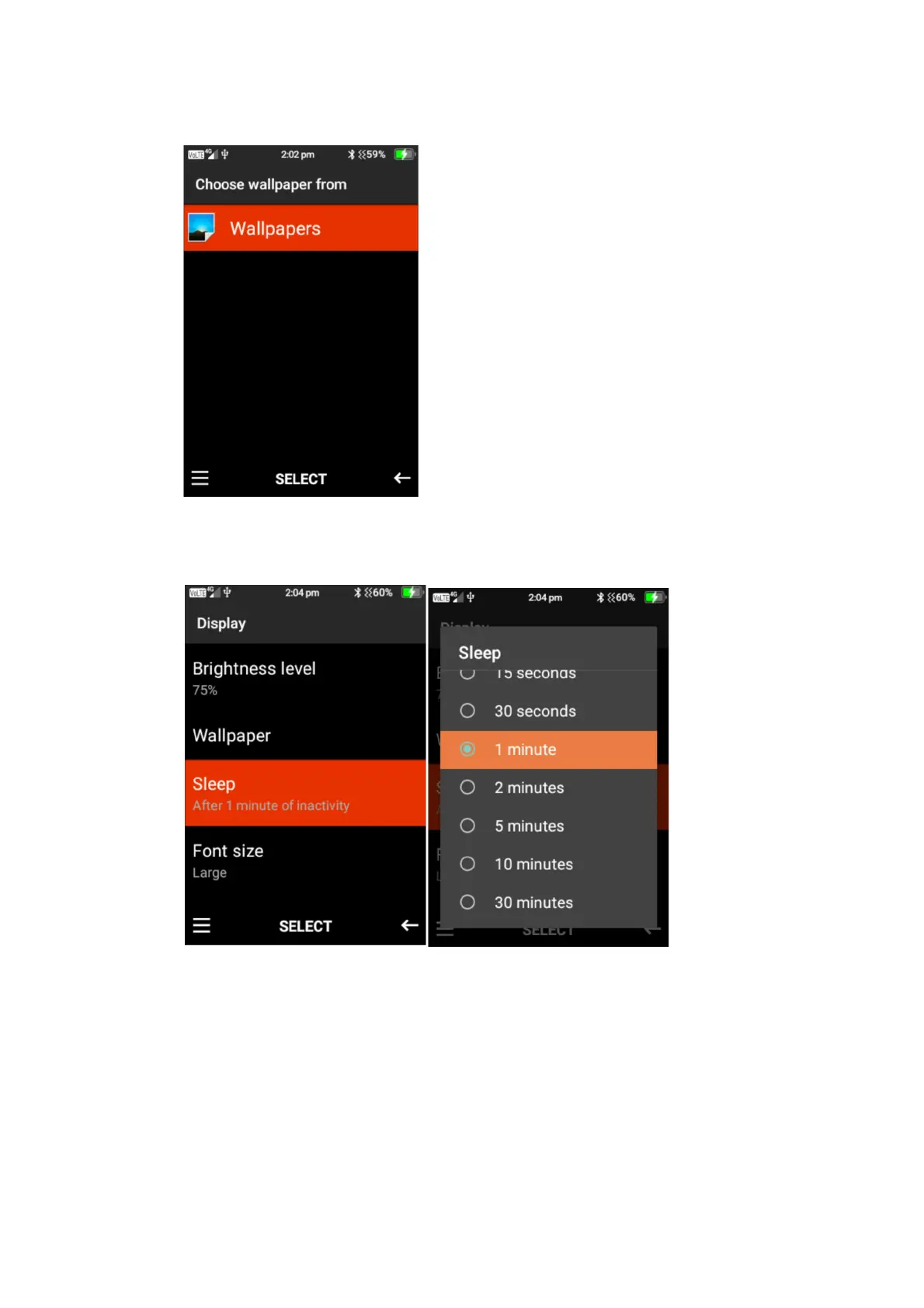
2. Wallpaper – here you can change the wallpaper on the phone display. Press select on this
function. You can then choose to add a wallpaper from your photos or select one pre-
installed on the device.
3. Sleep – Here you can adjust the screen timeout timer. Press select and then highlight the
preferred timer and press select to save that timer.
4. Font size – Here you can adjust the size of the font on the phones display. Select font size,
then using the left and right cursor highlight the smaller letter A and press select to decrease
the size, or highlight the larger letter A and press select to increase the size.















 To Next Page