64
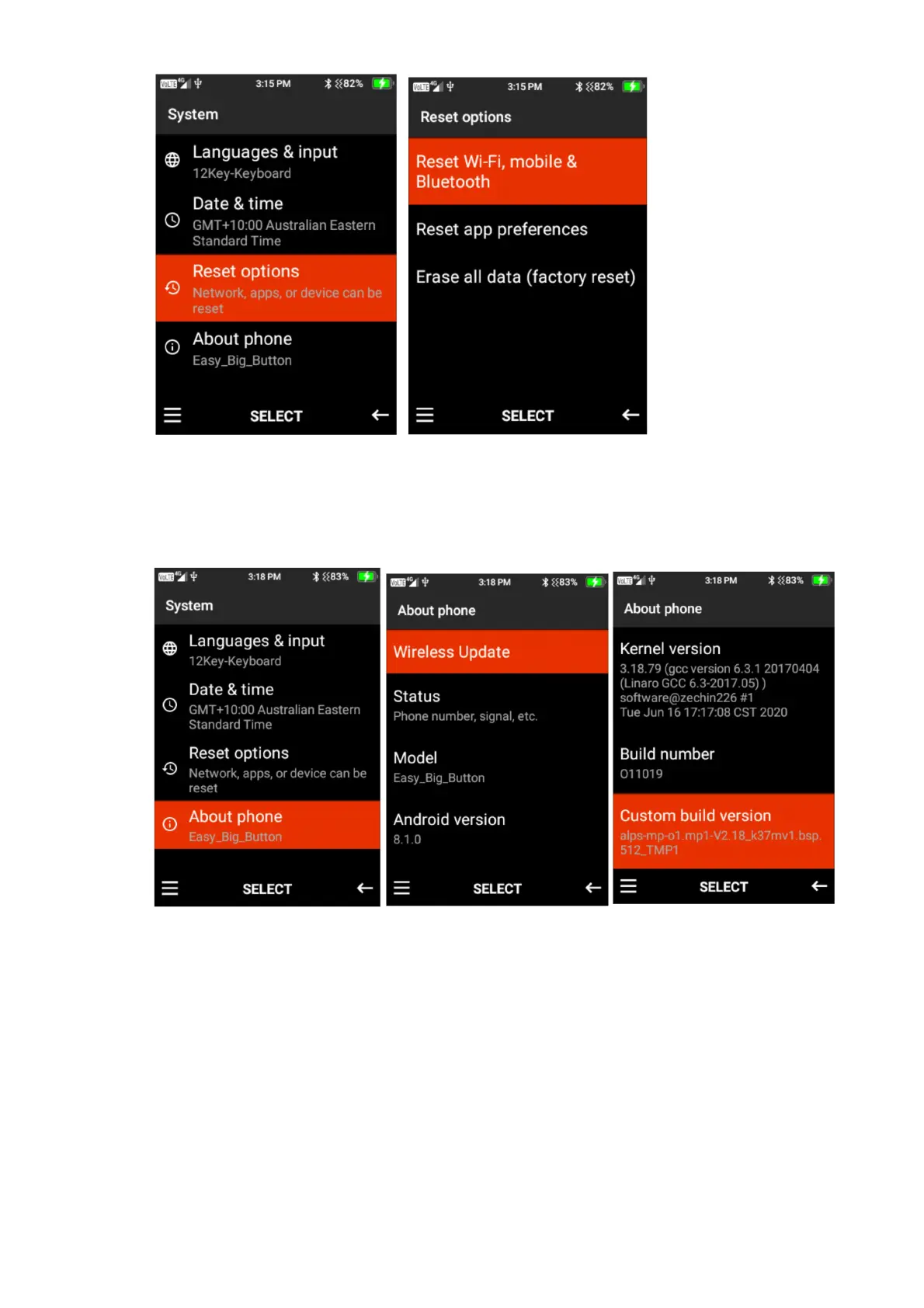
4. About Phone – Within this function you can perform any wireless updates and view the
status of the device (Battery status, battery level, SIM Status, IMEI Information, IP Address,
Wi-Fi MAC address, bluetooth address, serial number and up time), Model, Android Verion
and other versions of the phone.
To perform a wireless update press select on wireless update, then highlight check for updates.
If there are any updates the device will prompt you to update to the latest version.















 To Next Page