8
Rejecting and silencing a call
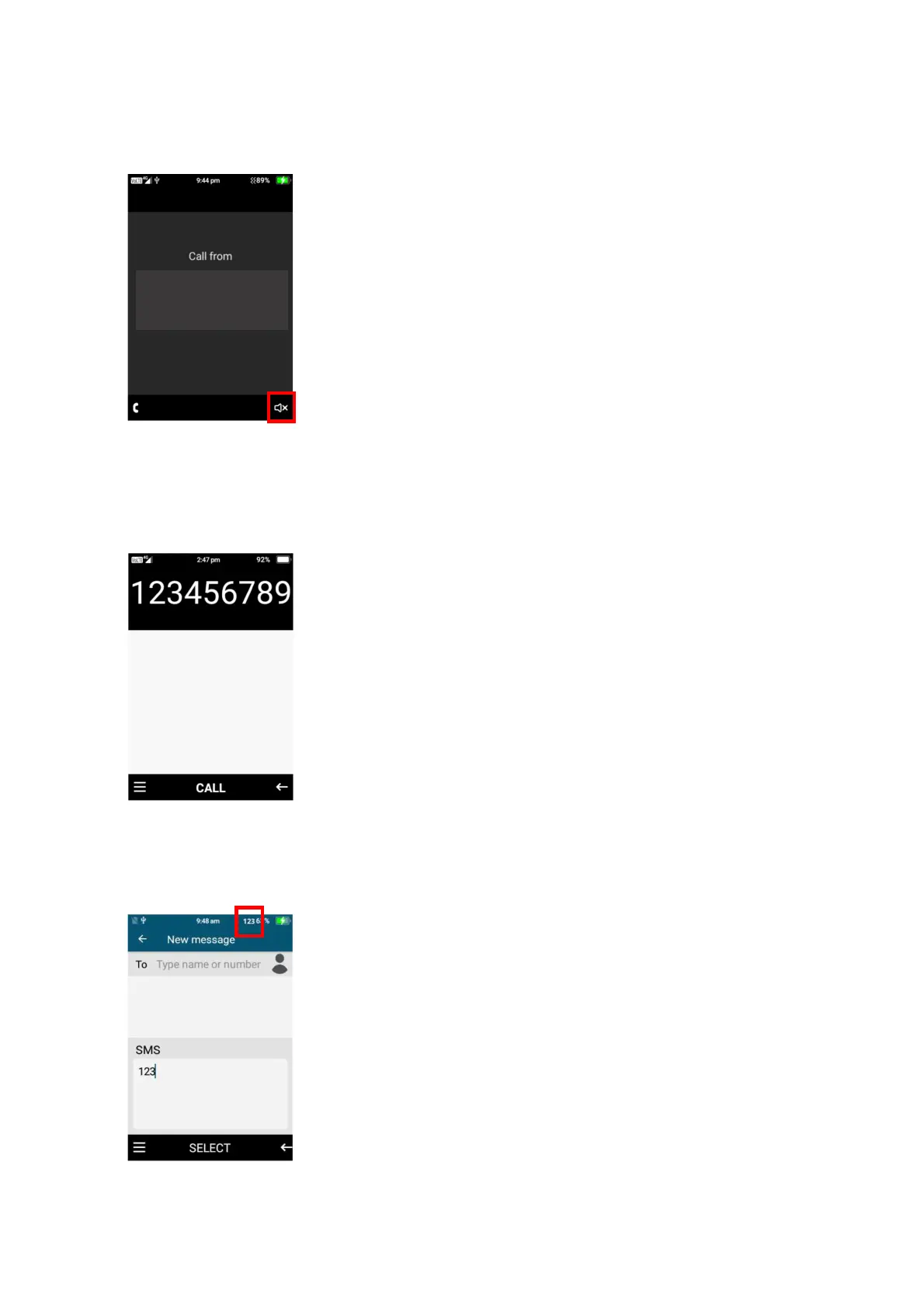
1. To reject an incoming call, press the end call button to reject that call
2. To silence an incoming call, press the right selection button to silence the incoming call
Numbers
1. To dial a phone number, press the numbers on the keypad then press the dial button to dial
that number
2. While in functions/menus like searching contacts or typing a message you can choose
numbers by long pressing the number button or pressing the hash button until it selects the
“123” function then just press the number on the keypad once.















 To Next Page