11
How to use predictive text keypad
The phone is equipped with predictive text.
To type a word or message using the keypad. Simply click the buttons on the keypad with the
letters you wish to select.
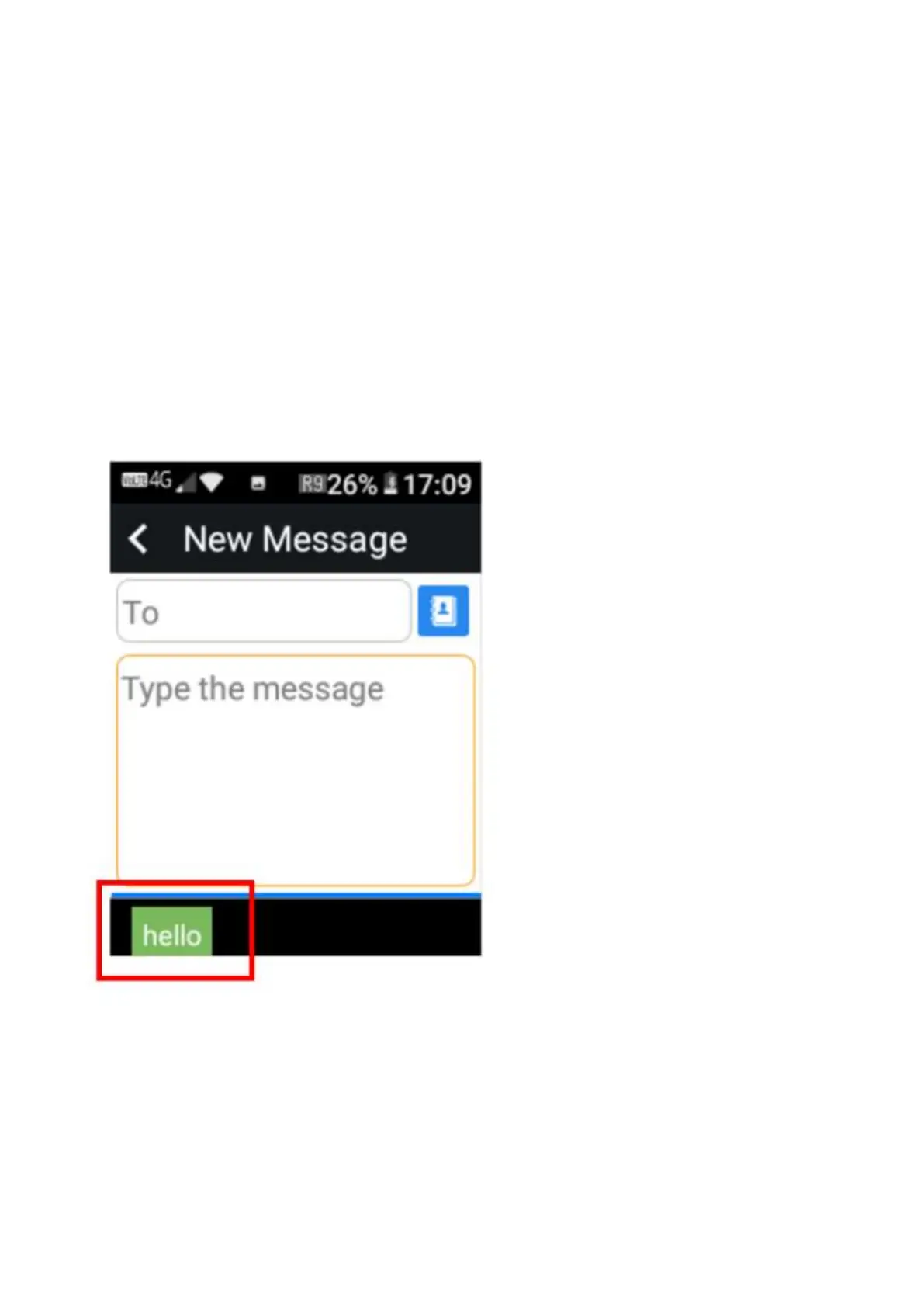
For Example: to type the word “Hello”
Click on keypad keys 4,3,5,5,6
The word “hello” will be seen on the predictive text panel. To choose that word simply press the
“0” (Space) Key or the ok key and it will select that word.
If there are other words within a selection it will show them on the panel.















 To Next Page