19
How to use the Camera
The camera is located on the front panel of the camera. To access and take photos using the
camera, the phone must be flipped open.
How to take a Photo:
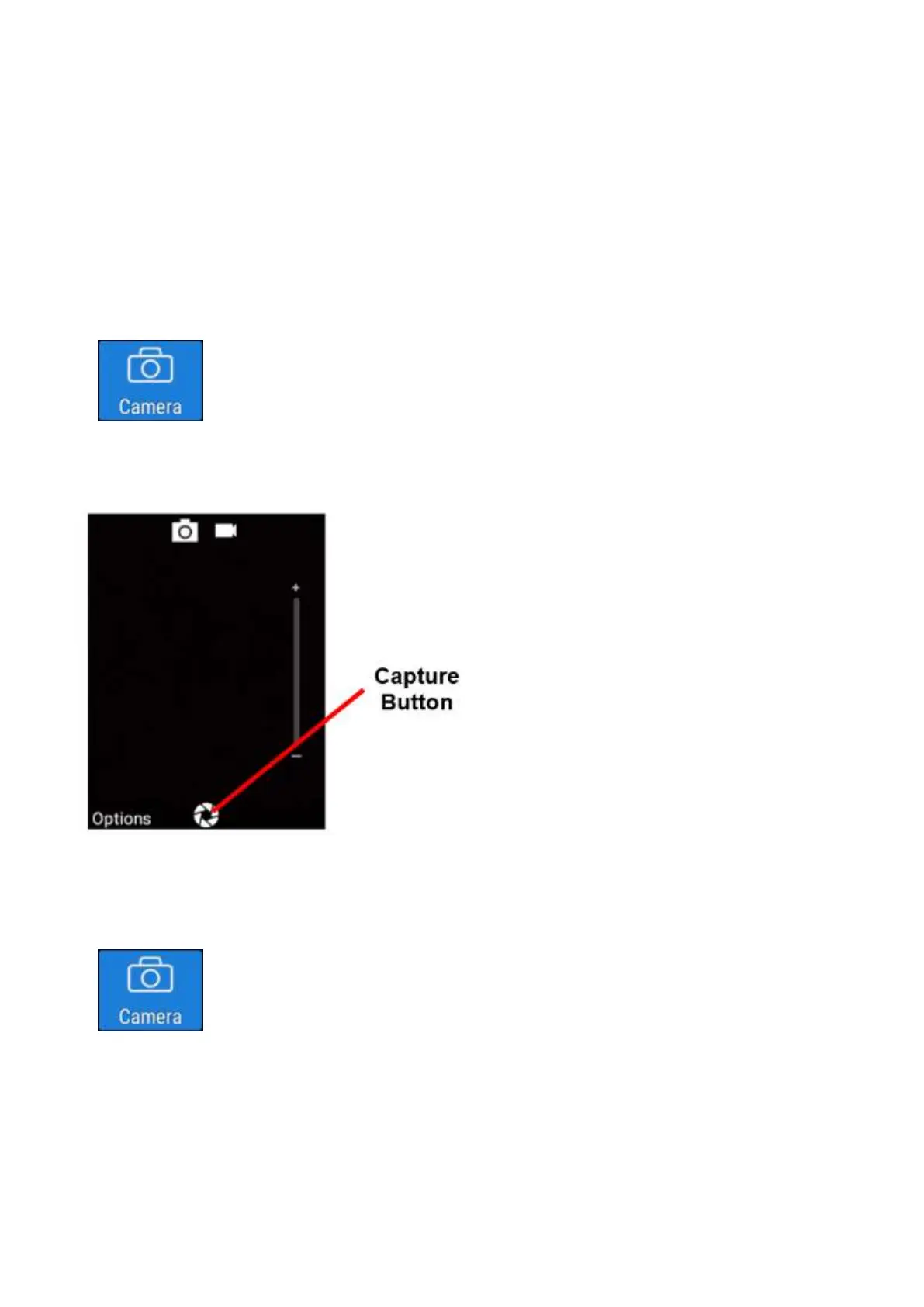
1. Click on the Camera icon to open the camera
2. To take a photo simply press the ok key twice. Or press the capture icon using the touch
screen
How to take a Video:
1. Click on the Camera icon to open the camera















 To Next Page