35
Additional Features and settings
Tools folder
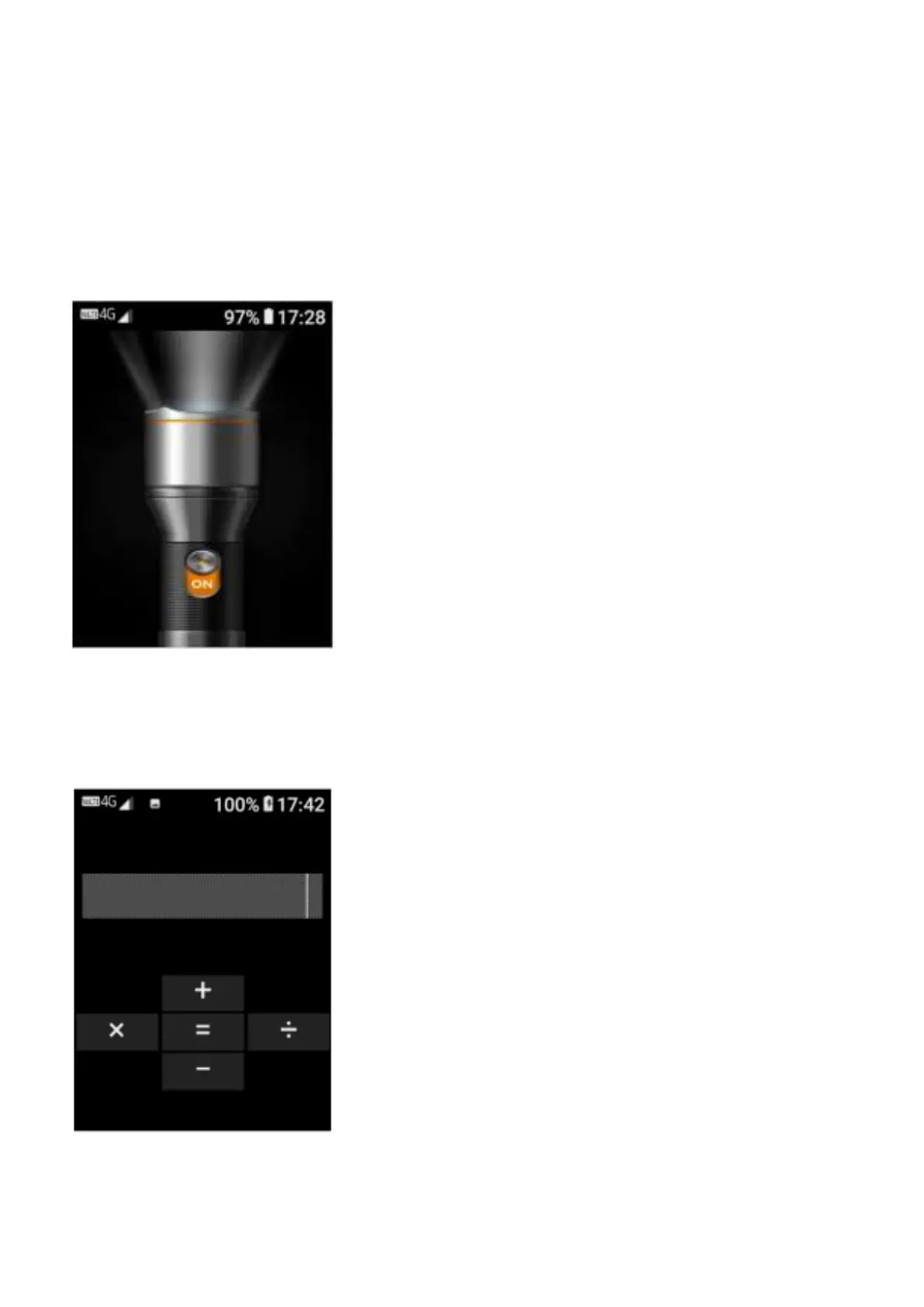
Flashlight - To activate the flashlight located on the front of the device, you can simply press
the flashlight button on the keypad to turn it on or off, or tap on the tools folder then flashlight to
turn it on or off
Calculator - To access the calculator, tap on the tools folder, then tap on calculator. To use the
calculator simply press the numbers on the keypad, then tap the touch screen on the functions
you wish to use to calculate.















 To Next Page