13
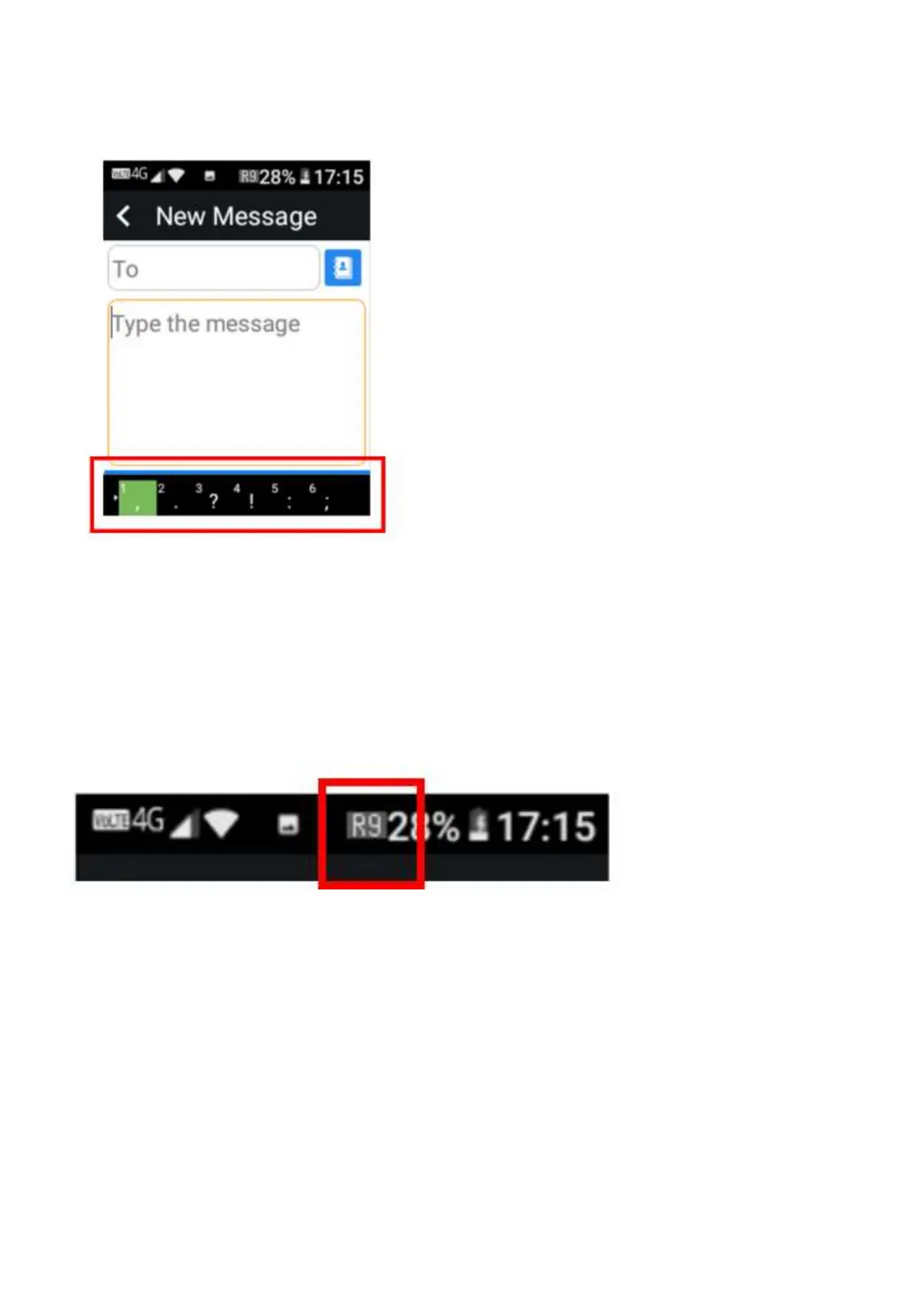
To select symbols – Click the 1 Key or the star key. Using the right cursor key, you can scroll
through to select the symbol you wish to use.
How to change keypad modes
If you wish to change keypad modes you can do this while you are about to type a word or
message within an app.
1. Simply click the Hash key and you will see in the top middle of the screen next to your battery
icon it will change between keypad modes.
R9 = Predictive text
123 = Numbers Only (no predictive text)
abc = Lower-case letters (no predictive
text)
Abc = Letters start upper-case (no
predictive text)
ABC = All upper-case letters















 To Next Page