6
Quick Setup Guide
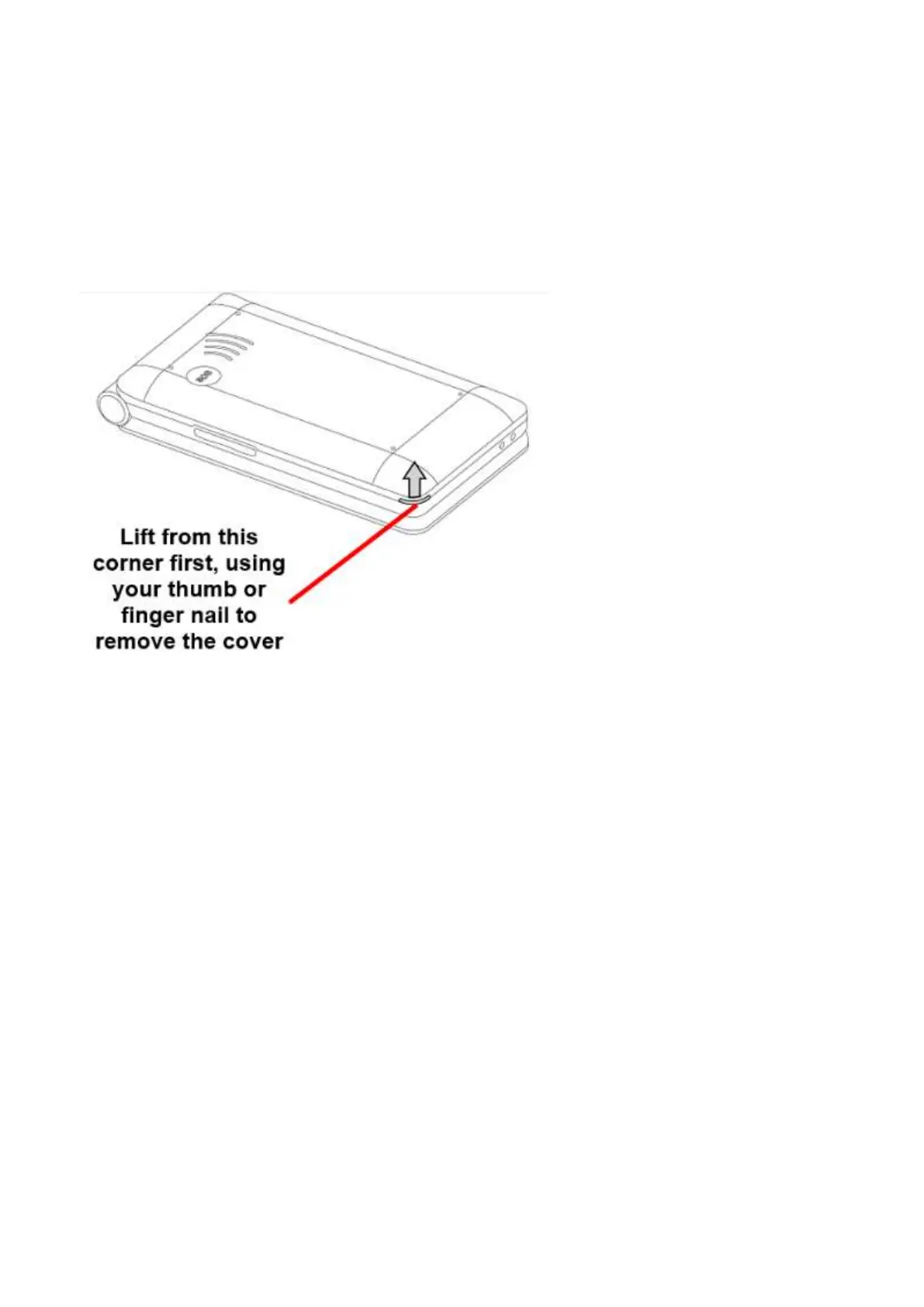
1. Make sure your device is turned off.
2. Firmly hold the device in one hand, using your thumb lift off the cover starting from the bottom
left when looking at the back of the phone. The cover will then click off. (Please note you may
need to use your finger nail to lift off the cover.
3. The SIM card holder is located in the top left-hand corner of the phone. With your finger slide
the SIM card holder to the left to open the SIM card slot, place your Nano sized SIM card into
the SIM card slot, ensure the cornered edge of the SIM card is located in the top right-hand
corner. Once in place push the SIM card holder down and slide to the right to lock it into
place.
Please note: Ensure you are using a nano size SIM card, it is the smallest of the 3 SIM
cards available. If you don’t have a nano size SIM card contact your telco provider as they
will be able to supply one for you















 To Next Page