21
Camera settings
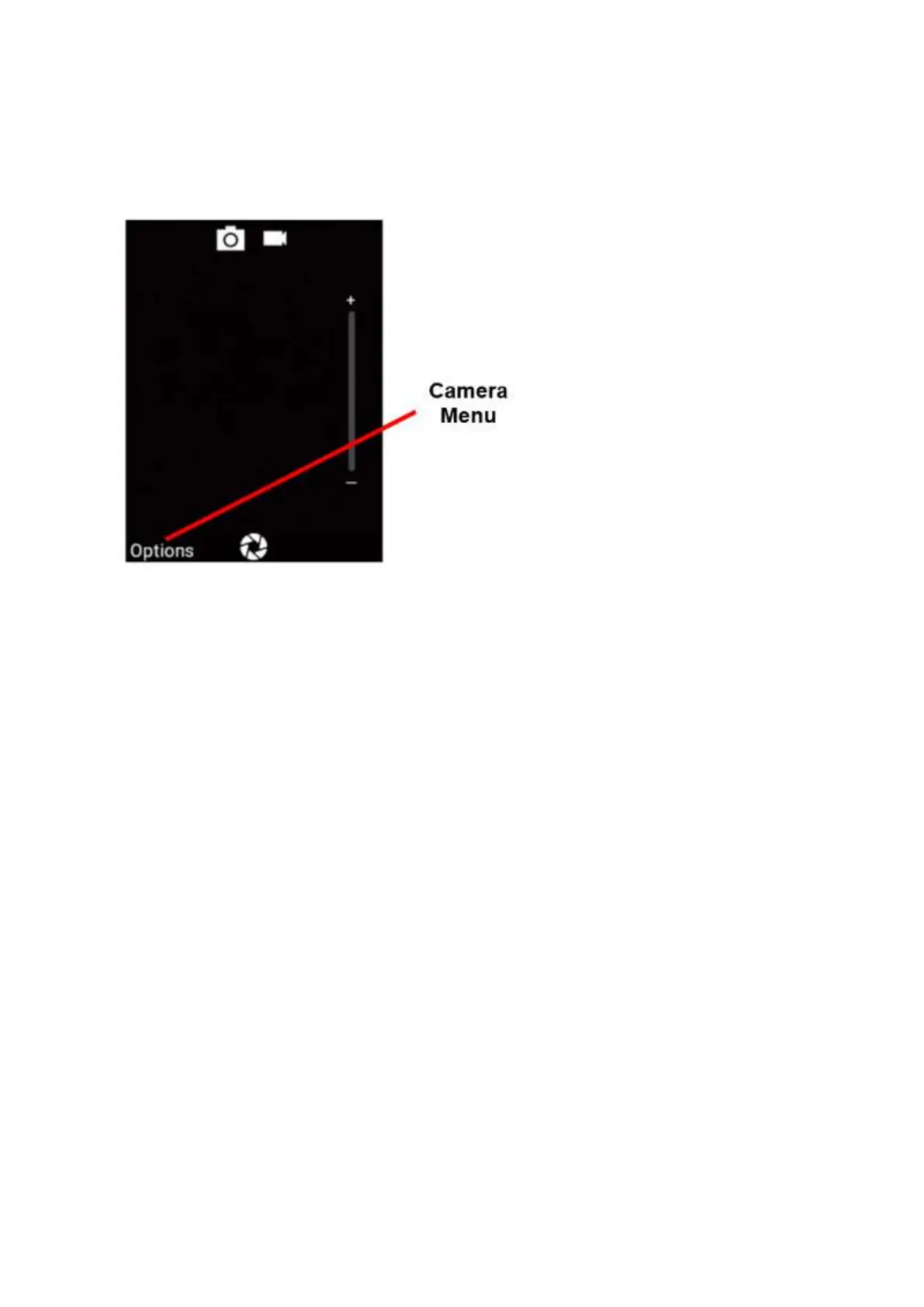
1. Click on the options button on the keypad or touch the options word on the touch screen to
open camera settings while in camera mode
2. Once opened you can scroll across using the keypad or touch screen to go through each
camera settings.
You can turn the Flash on or off, go to video or photo gallery, change camera modes from
Photos to Video Record and change the picture size.
3. Then scroll down to Send Message. If you wish for a text message to be sent to your
emergency contacts when you activate SOS, tap or click ok to turn this function on, it will
show a tick symbol when activated.















 To Next Page