41
Cellular settings – Within cellular settings, you can turn mobile data on or off and also adjust
your mobile network settings.
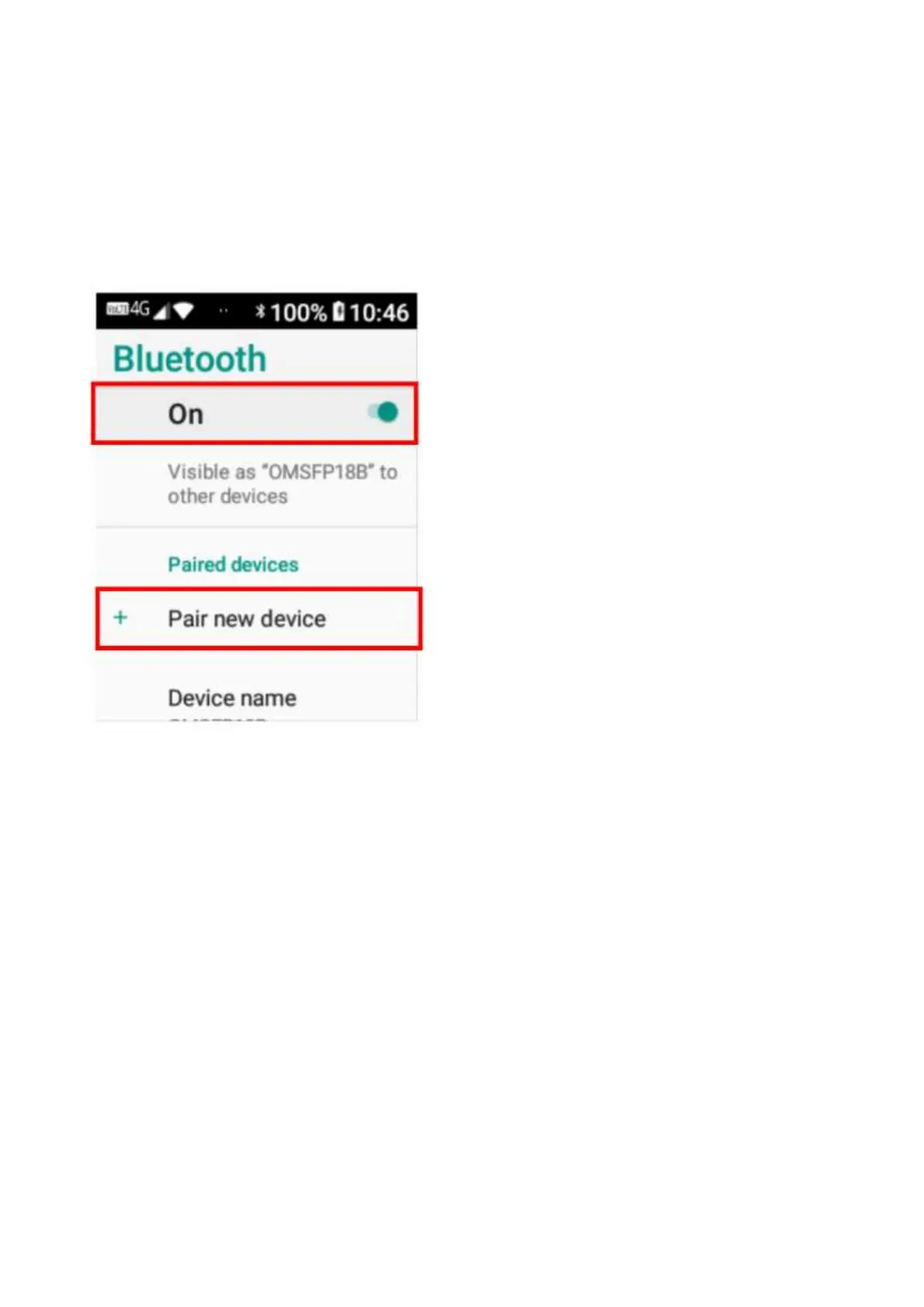
Bluetooth® settings - To access Bluetooth, open the settings menu and tap on Bluetooth. To
turn Bluetooth on, tap on the off icon, it will then say on.
To pair to another Bluetooth device, tap on pair new device, tap on which device you wish to
connect with and it will begin to connect. You may need to enter a password (try either 0000 or
1234) and accept the connection on the other device to connect.
Face Settings – Face (theme) settings are located in the settings folder. You can choose 2
different themes for your device. Simply click on the one you would like and tap apply to save
that theme.
Common Settings – Common settings, are shortcuts to frequently used settings for quick and
easy access. You can change sound effect, Wi-Fi hotspot, language and set the time.
Sound Effect – By tapping on sound effect, it will open the sound menu settings. You can adjust
the media volume, alarm volume, ring volume, vibrate for calls, change ringtones, change
notification (message) tones, power on sounds, folder sound and sound enhancement settings.
Wi-Fi hotspot – By tapping on Wi-Fi hotspot, you can use your phones data as a Wi-Fi hotspot
on another device. Tap the off icon to turn hotspot on. From your other device you can search
for this device to connect and use it as a Wi-Fi hotspot. To turn Wi-Fi hotspot off, simply tap the
on icon to turn it off.
Language – By tapping on language, you can change the language on the device. Simply scroll
through the list to choose the language you wish to use.















 To Next Page