36
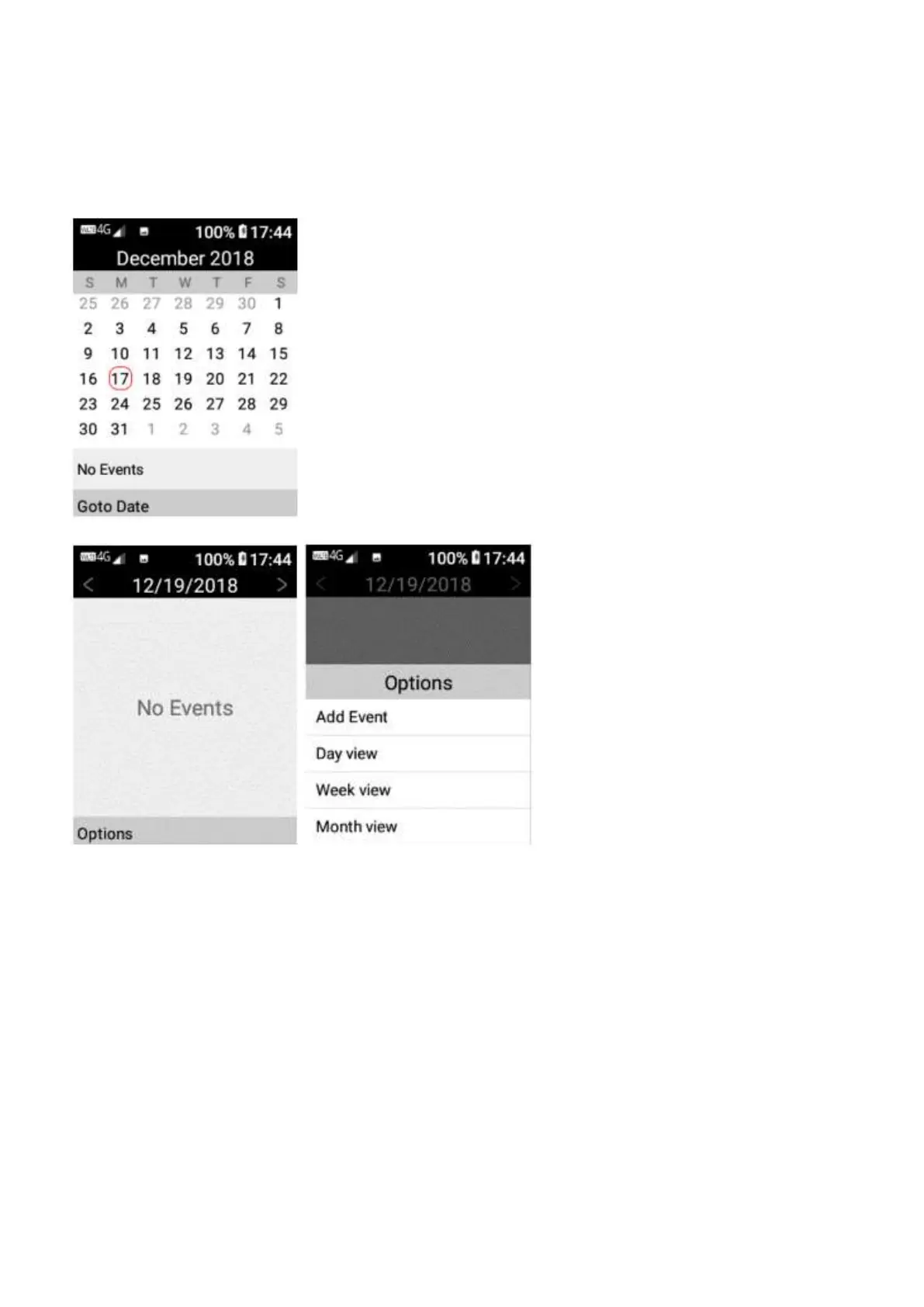
Calendar – To access the calendar. Tap on the tools folder, then tap on calendar. You can select
and search for a date to see events on that day you have inputed. Tap on go to Date to select a
date to search. You can also add events to your calendar. Simply press on a date you wish to
add an event, then tap options then add an event, type in the information about the event you
wish to save. In options you are also able to view the calendar in day view, week view or month
view.
Alarm – To access the alarm, tap on the tools folder, then tap on alarm.
The alarm tool has alarm, timer and stopwatch, simply scroll across the screen to choose which
function you wish to use.















 To Next Page