37
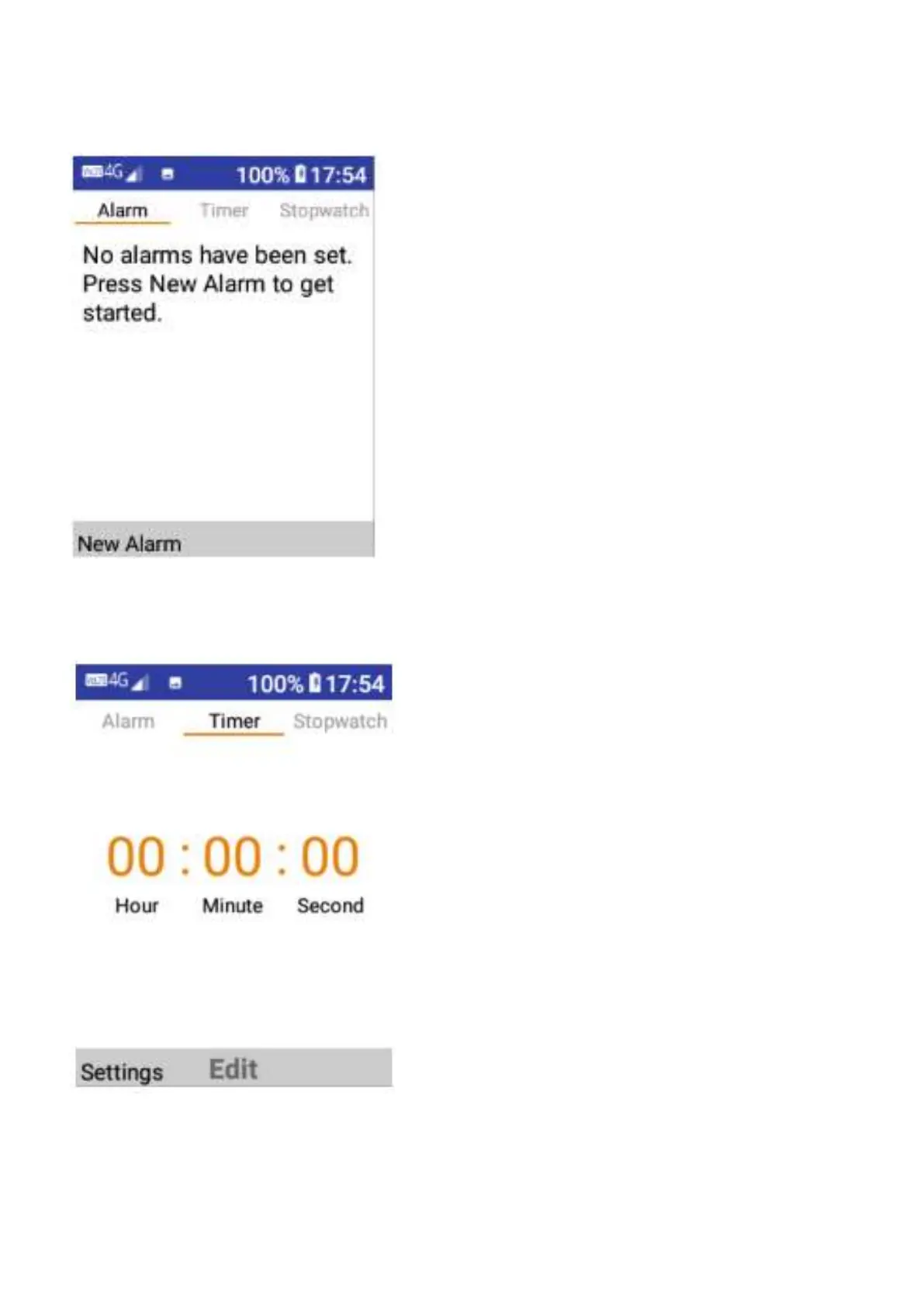
To set a new alarm, tap on the new alarm button located in the bottom left hand corner, choose
an alarm name, set the time, whether you want to repeat this alarm, sound type and vibrate on
or off. Then tap save when complete to save this alarm.
To set the timer, tap on edit then tap on the Hour, Minute and/or Seconds to adjust the timer.















 To Next Page