CORE STATUS LED
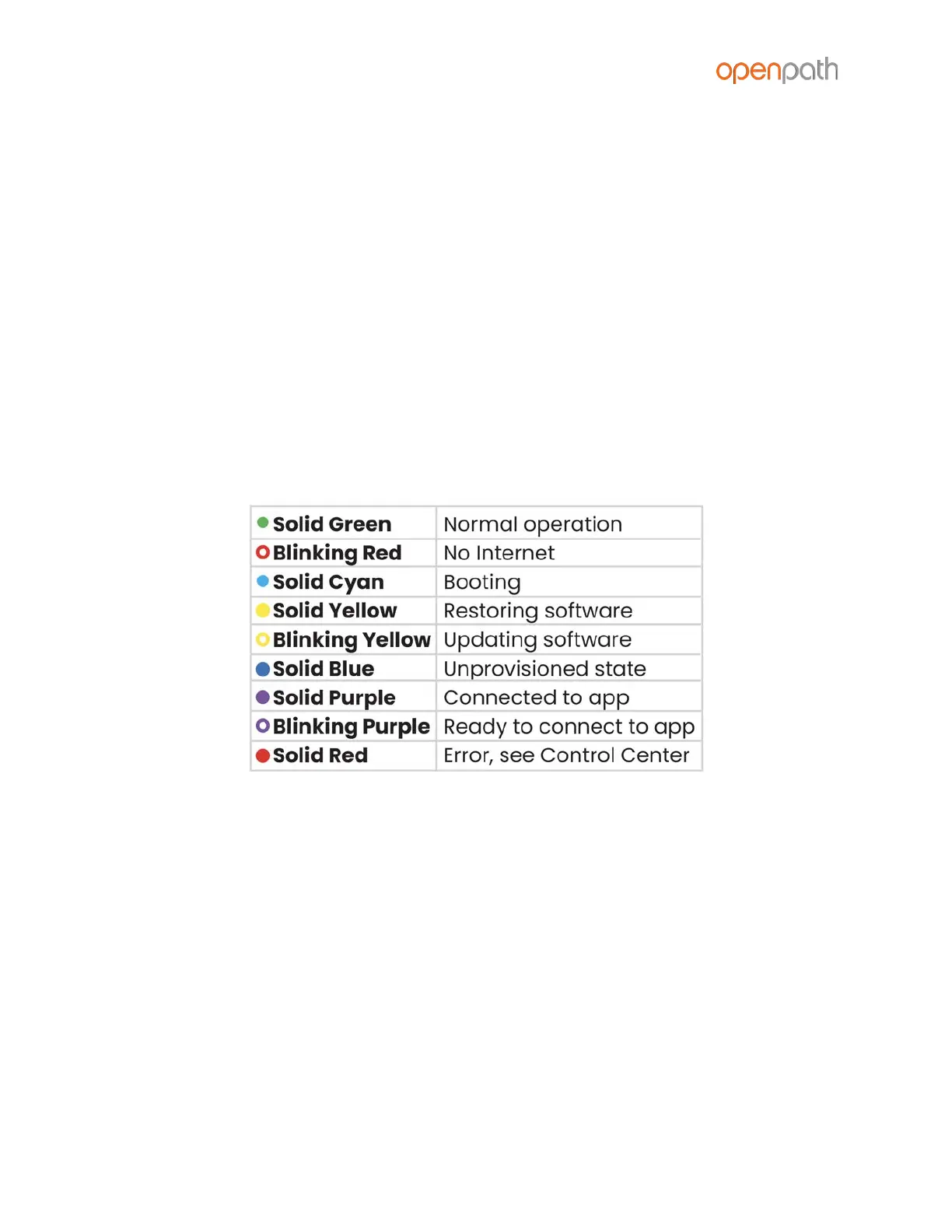
The Core’s STATUS LED indicates the following:
● Solid Green indicates the Core is provisioned and functioning normally
● Blinking Red indicates there is a problem with the Internet connection
● Solid Cyan appears when the Core is booting
● Solid Yellow indicates that the Core is restoring software; appears when you
power on the Core for the first time
● Blinking Yellow indicates that the Core is updating software; appears when
the Core has been online for less than 24 hours
● Solid Blue indicates that the Core has finished booting and is ready for
provisioning
● Solid Purple indicates that the Core is connected to the Open Admin app
● Blinking Purple indicates the Core is ready to connect to the Open Admin app
● Solid Red indicates the Core is in an error state–go to the Hardware
Dashboard in the Control Center for more information
Figure 22: Core Status LED Definitions



 To Next Page