network. The unit will return to automatic operation after the
time runs down. To cancel manual mode press ↓ several times to
reduce time left to run. It will take a few seconds to stop. “M”
also displays when auto-cycle is on. See setting 73.
T indicates alarm 1 on due to high ambient temperature (setting
51). Useful for summer ventilation.
4.2 Default Settings
User settings are factory pre-loaded with default values to
facilitate set up and can be changed at any time. Upgrading
rmware will not affect user settings.
Alarm thresholds should be set to suit local regulations.
Default values for these are general guidelines only.
4.3 Changing Settings
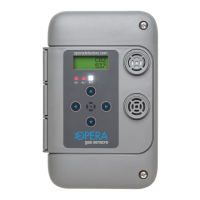
Press → and ← to move through the settings. If the keypad lock
is on then enter the password rst. The screen will display the
setting number 0, 1, 2, etc. plus the short description (e.g.; AL1
for Alarm 1 and the current setting.)
Press the↑ or ↓ buttons to increase or decrease the setting.
To save, press ↑ and ← buttons at the same time. The word
“OK” will appear. If you do not see “OK” and the new value it is
because the buttons were not pressed simultaneously. Try again.
4.0 Operation
Type of gas
Concentration


 To Next Page