116 Operation
Sure Sort™ Operator Manual
OPEX Corporation
To power down the machine
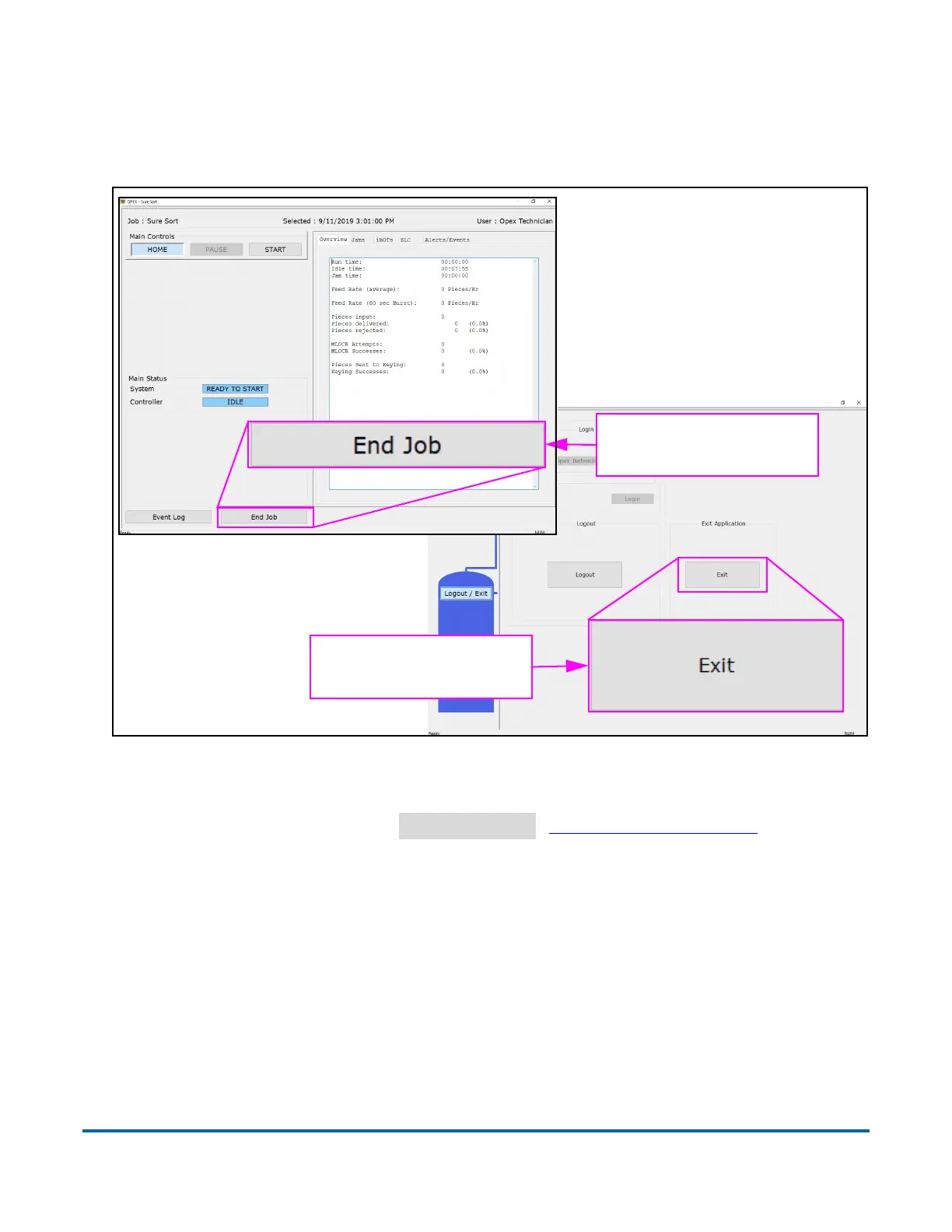
1. In the Sure Sort Host software, end the job and then exit the application
(
Figure 4-5).
Figure 4-5: Exiting Host software
2. Exit the OPEX Induct ELC software by going to the System tab, clicking the
Menu button and selecting
Shutdown ELC
(Figure 4-6 on page 117).
...then select “Exit” to
close the application.
Select “End Job” to
exit the Run screen...



 To Next Page