120 Operation
Sure Sort™ Operator Manual
OPEX Corporation
4.1.3. Logging in to the Host software
The Sure Sort™ host computer will launch the Host software (as well as the
OPEX InductELC software) as part of the system’s start-up routine. If you
mistakenly close the Host software, or if the Host software does not start with
the machine, you can start it manually.
1. If the Host software is not already running, double-click on the Sure Sort™
icon (
Figure 4-12) on the desktop OR click
Start > Programs > OPEX >
Sure Sort™
to open it.
Figure 4-12: Sure Sort desktop icon
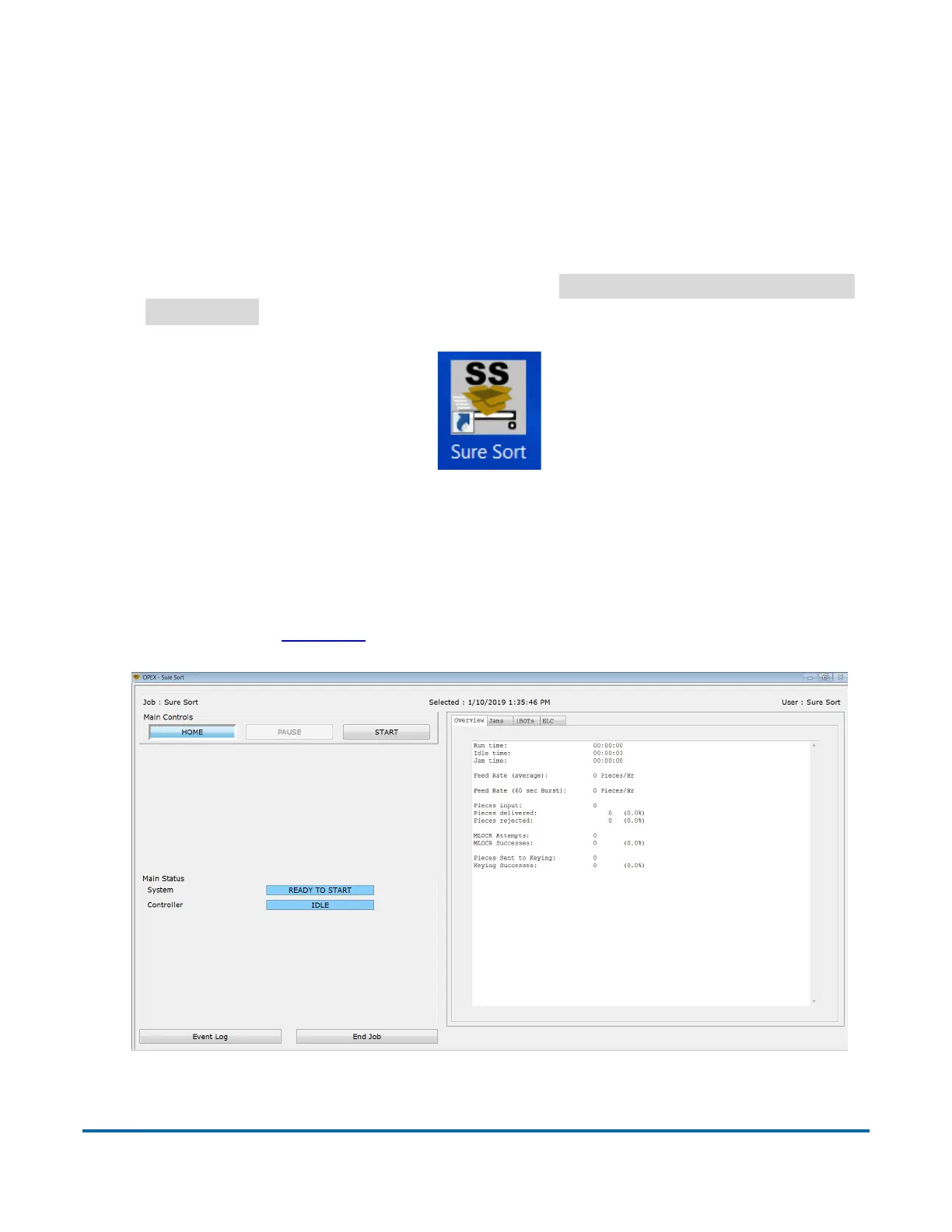
When the Sure Sort Host application is started, you are automatically logged
into the Host, and a default job is selected. This will take you to the Run screen
on start-up (Figure 4-13), where you can manage your run (for more info on the
run screen, go to page 129
).
Figure 4-13: Run screen



 To Next Page