Connection to converter C4000
- 19 -
optek-Manual--1004-2006-02--TF16-US-2011-06-20
www.optek.com
Tool • Screw driver
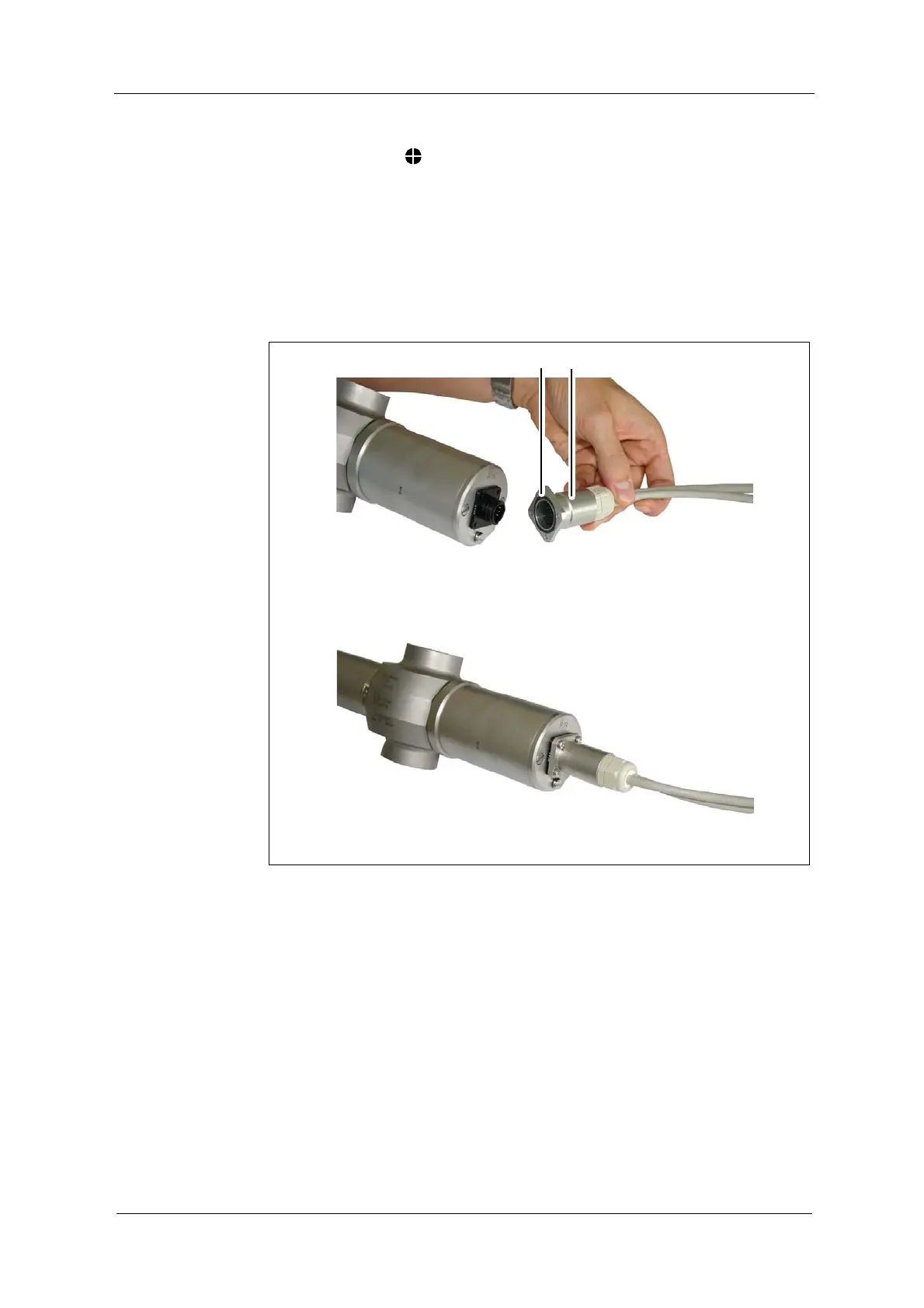
Connection of the sensor cable with plug-protection on the detector and lamp
side:
1. Loosen the connection cover of the sensor.
2. Ensure there is an O-Ring (7, fig. 13) for plug-protection.
3. Plug in the sensor cable.
4. Fasten each of the four screws of the plug-protection (19) with washer.
Fig. 13 Connection of the sensor cable with plug-protection


 To Next Page