Optelec ClearView C
English 25
4.5. Pairing the Control Pad
In case the Control Pad is missing or defective, and
needs to be replaced with a new Control Pad, the
new Control Pad needs to be paired with the
ClearView C. To pair the Control Pad follow these
steps:
1. Switch the ClearView C on;
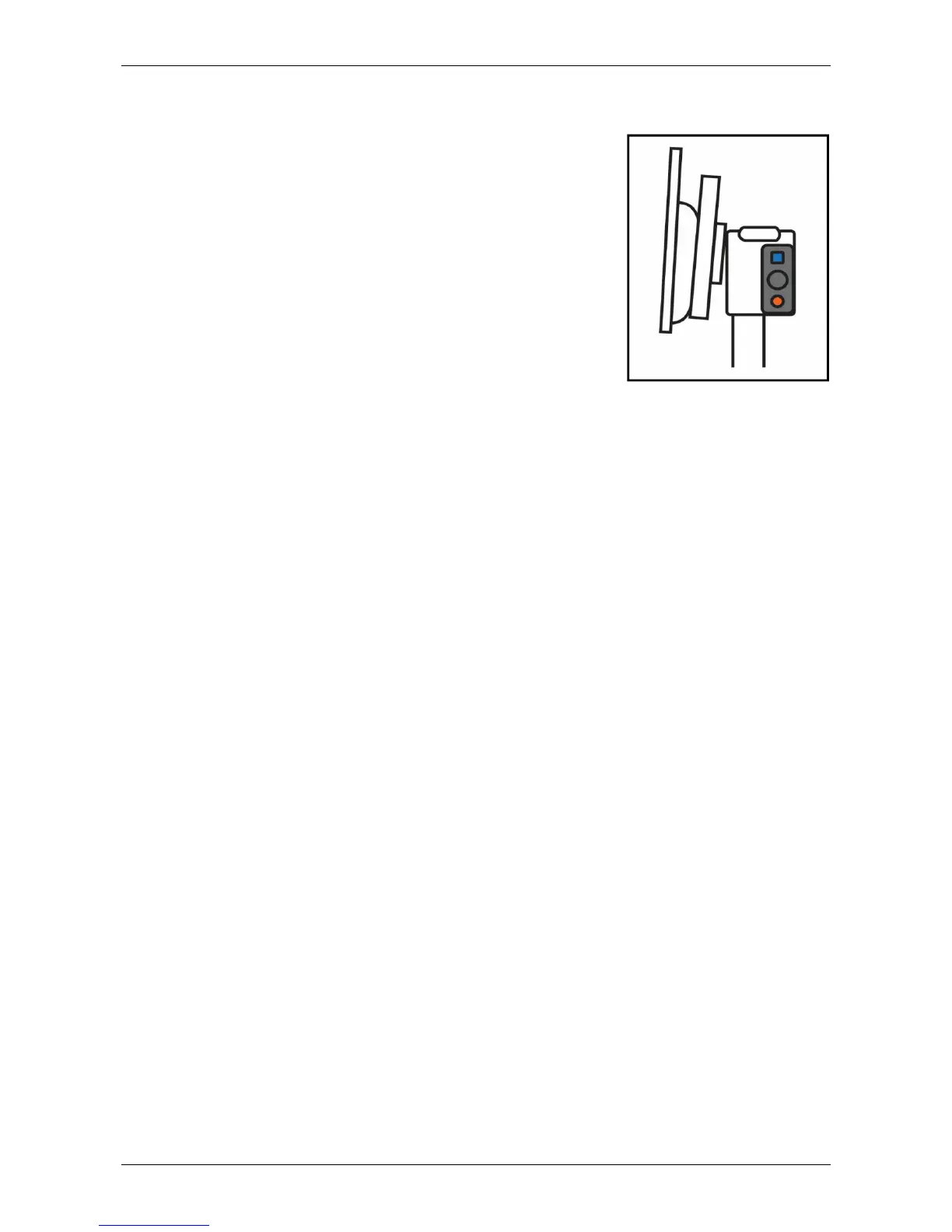
2. Hold the Control Pad vertically and hold the
bottom of the Control Pad against the right side
of the camera box behind the monitor;
3. An icon will appear indicating the start of the
pairing procedure;
4. Press the On / Off button and the Overview button simultaneously for
five seconds and release the buttons;
5. If the pairing procedure is successful, the pairing icon will disappear;
6. If the ClearView C does not recognize or see the Control Pad, the
pairing sequence will be terminated within 30 seconds and the pairing
icon will disappear. Repeat steps 1 to 5 until the Control pad is correctly
paired. Possible causes for an unsuccessful pairing are:
- The batteries of the Control Pad are empty;
- The wrong buttons were pressed to initiate the pairing process;
- The Control Pad is broken.





 To Next Page