Optelec ClearView C
26 English
5. The ClearView C Menu
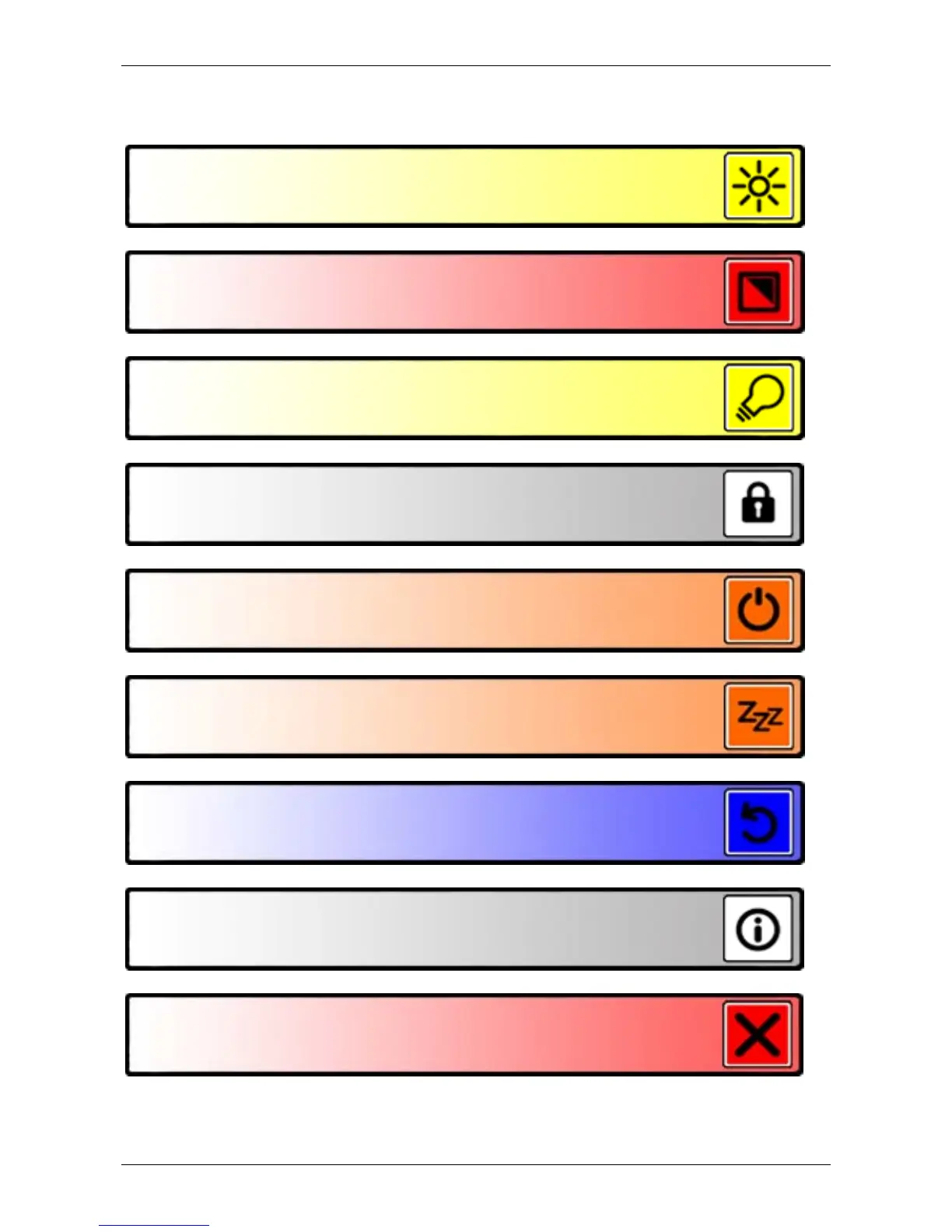
Allows you to adjust the screen brightness
Allows you to change the colors of the high contrast
modes or disable high contrast modes
Allows you to adjust the ClearView C automatic
standby time
Allows you to reset the ClearView C to its factory
default settings
Shows firmware versions and system information
Allows you to exit the menu
Allows you to enable or disable the object lighting
Allows you to lock or unlock the Advanced Control
Pad buttons
Allows you to configure the automatic power down
time





 To Next Page