Optelec Compact 10 HD & Compact 10 HD Speech
English 18
2.1. Charging the battery
The Compact 10 HD is delivered with a power supply and four country-specific power plugs in EU,
US, UK, and AU types. Slide the appropriate plug for your region onto the power supply until it
clicks.
To charge the Compact 10 HD, connect the supplied USB cable to the power supply and the blue
USB connector located on the left side of the unit. Plug the other end of the power supply into a
power outlet.
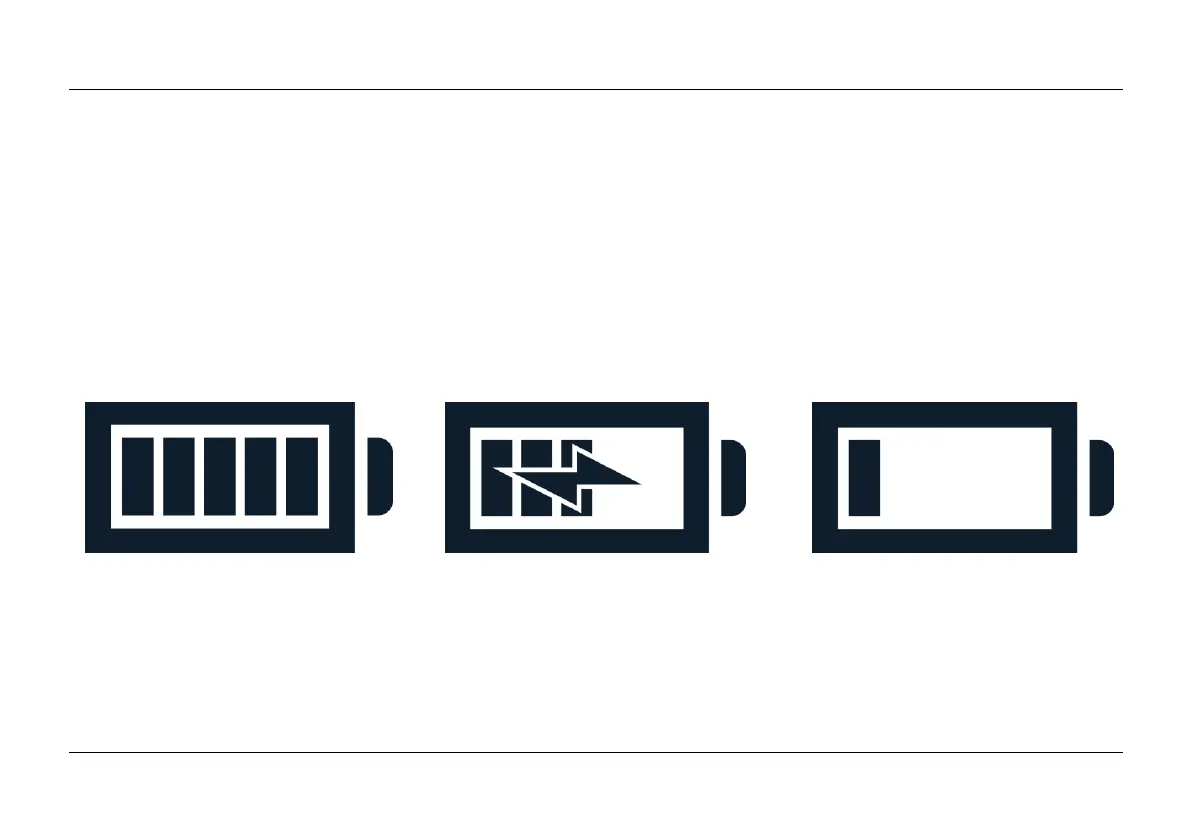
Battery full Battery charging Battery almost empty
Charging the Compact 10 HD takes approximately 4 hours. A fully charged Compact 10 HD can
operate approximately 3,5 hours, depending on the power settings and usage. For safety reasons,
please only use the power supply and USB cable that was delivered with the Compact 10 HD to
charge the unit’s battery.















 To Next Page