Optelec Compact 10 HD & Compact 10 HD Speech
English 40
Color
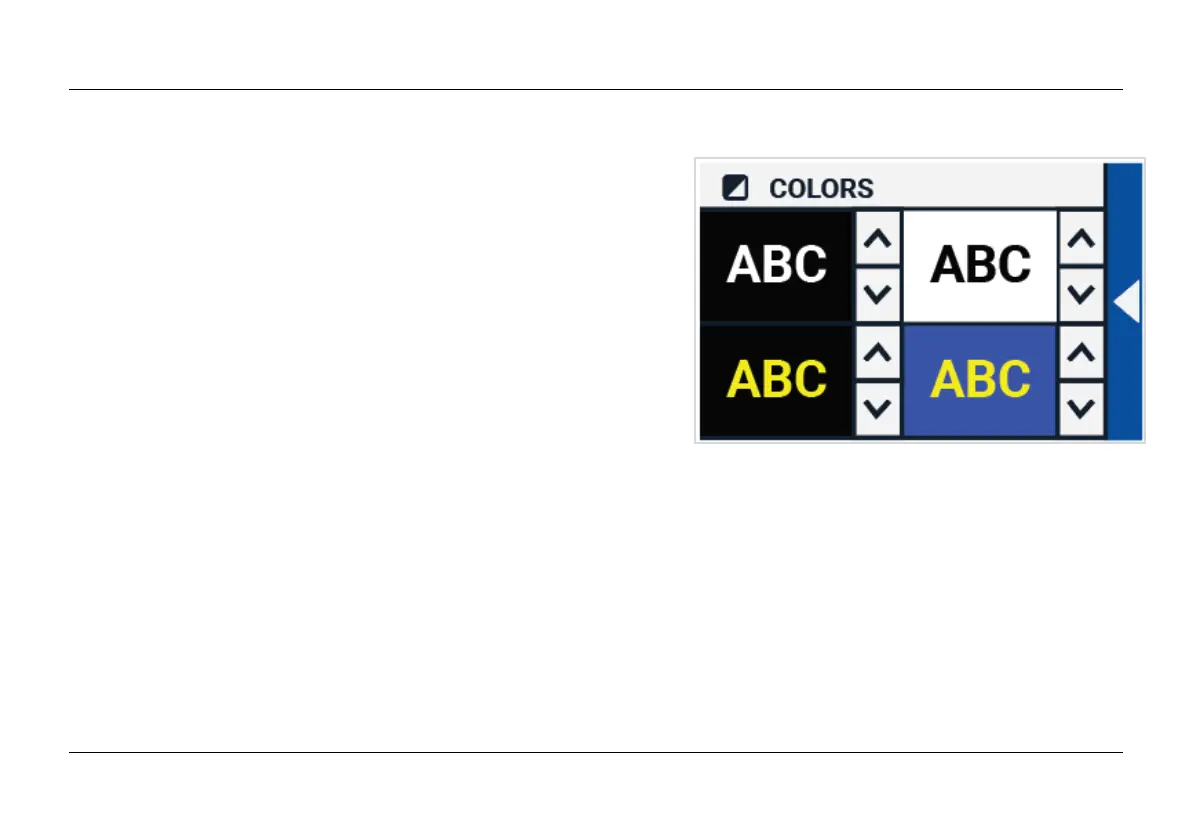
In the settings menu, tap the “Color” button to select the
preferred high contrast colors. The Compact 10 HD
supports four high contrast modes. For each of these
four modes, the foreground and background colors can
be selected. Three of the high contrast modes can be
disabled. The first high contrast mode on the top left is
required.
To change the foreground and background colors, tap the
up or down arrow next to the mode you want to change.
You will cycle through each of the available modes and
can stop on the one you prefer. Select the “X” symbol to disable a high contrast mode. Tap on the
“Back bar” to return to the settings menu.















 To Next Page