Optelec Compact 10 HD & Compact 10 HD Speech
37 English
Open
To open a snapshot, open the menu and tap on the “Open” button. A list of thumbnails of the saved
snapshots will be shown, showing the most recently saved snapshot first. If there are more
snapshots than fit on the screen, swipe up and down to scroll through the list. Tap on the snapshot
thumbnail to open it.
Open to view saved snapshots Delete snapshots
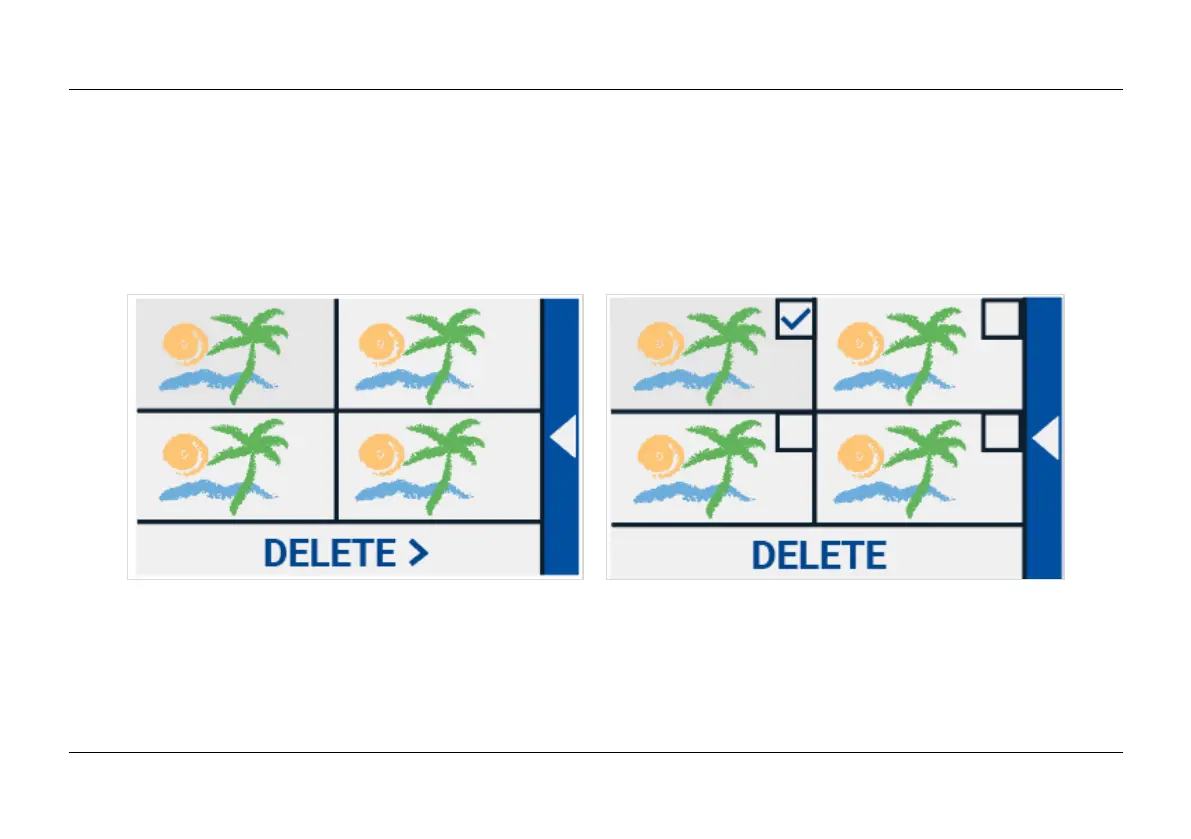
Delete
To delete a snapshot, open the menu and tap on the “Open” button. In the open screen, tap on the
“Delete” button. A list of thumbnails of the saved snapshots will be shown, showing the most recently
saved snapshot first. Each snapshot has a checkbox at the top right corner. To select a snapshot,















 To Next Page