Optelec Compact 10 HD & Compact 10 HD Speech
39 English
Settings
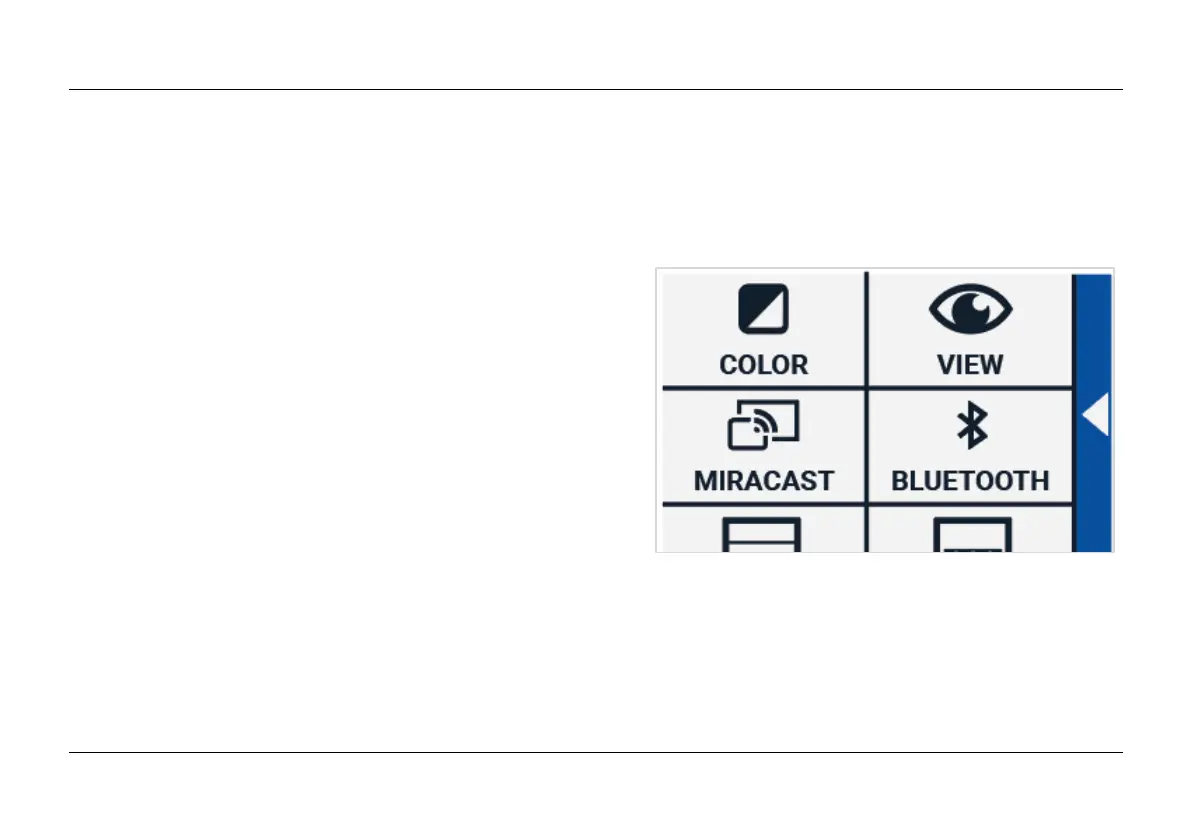
Tap on the “Settings” button to enter the Settings menu. The “Settings” button is the button with the
gear icon at the bottom right. The Settings menu contains the following buttons:
Color
View (Compact 10 HD Speech only)
Miracast
Bluetooth (Compact 10 HD Speech only)
Line
Buttons
Theme
Columns (Compact 10 HD Speech only)
Lights
Sound
Standby
Language (Compact 10 HD only)
Restore















 To Next Page