Optelec Compact 10 HD & Compact 10 HD Speech
23 English
2.5. Buttons and Connections
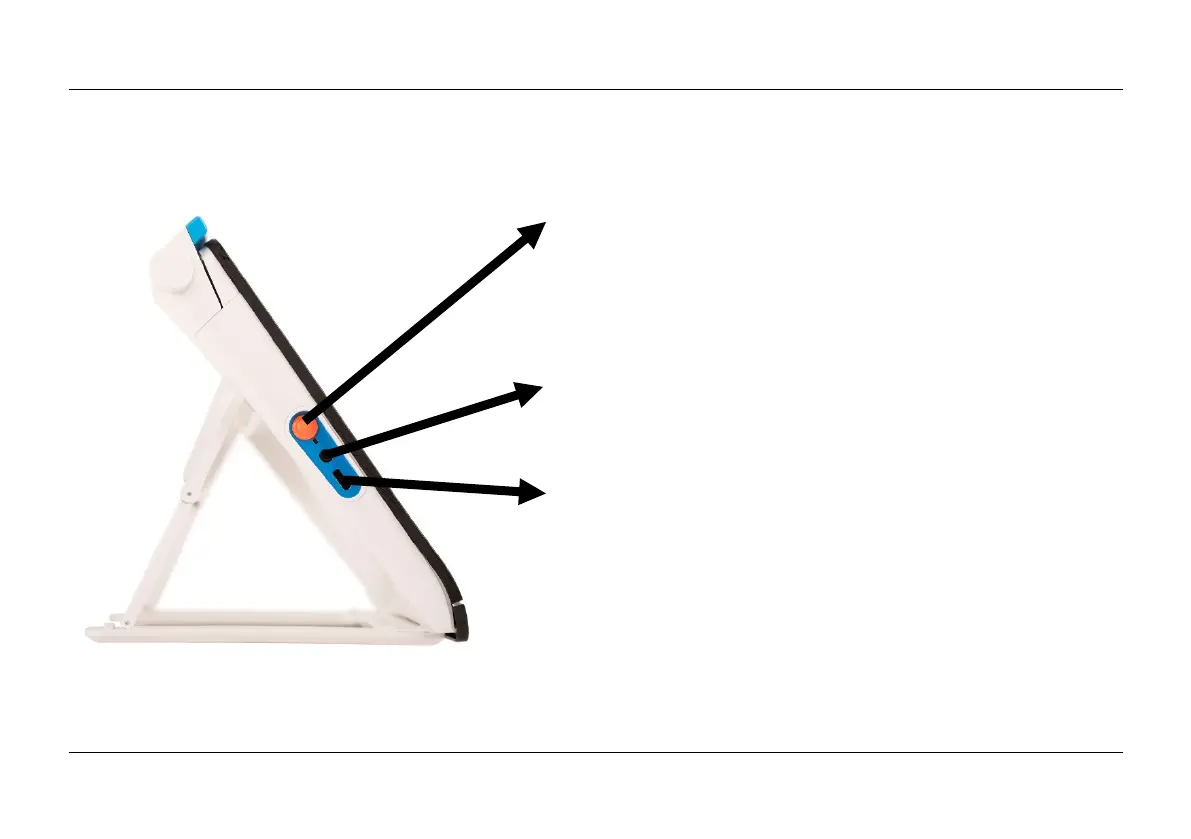
The Compact 10 HD has the following buttons and connections at the left side of the product:
On / Off button
A short press of the orange On / Off button will place
the Compact 10 HD into sleep mode or resume the
unit. A 6 second press of this button switches the
unit off or back on again.
Audio jack
Use the audio jack to connect a headset to the
Compact 10 HD.
USB-C connector
Use the USB-C connector to charge the Compact
10 HD. The supplied USB cable connects to this
USB port and power supply. Use only the power
supply that comes with the Compact 10 HD to power
and charge the unit.















 To Next Page