Optelec Compact 10 HD & Compact 10 HD Speech
43 English
Bluetooth (Compact 10 HD Speech only)
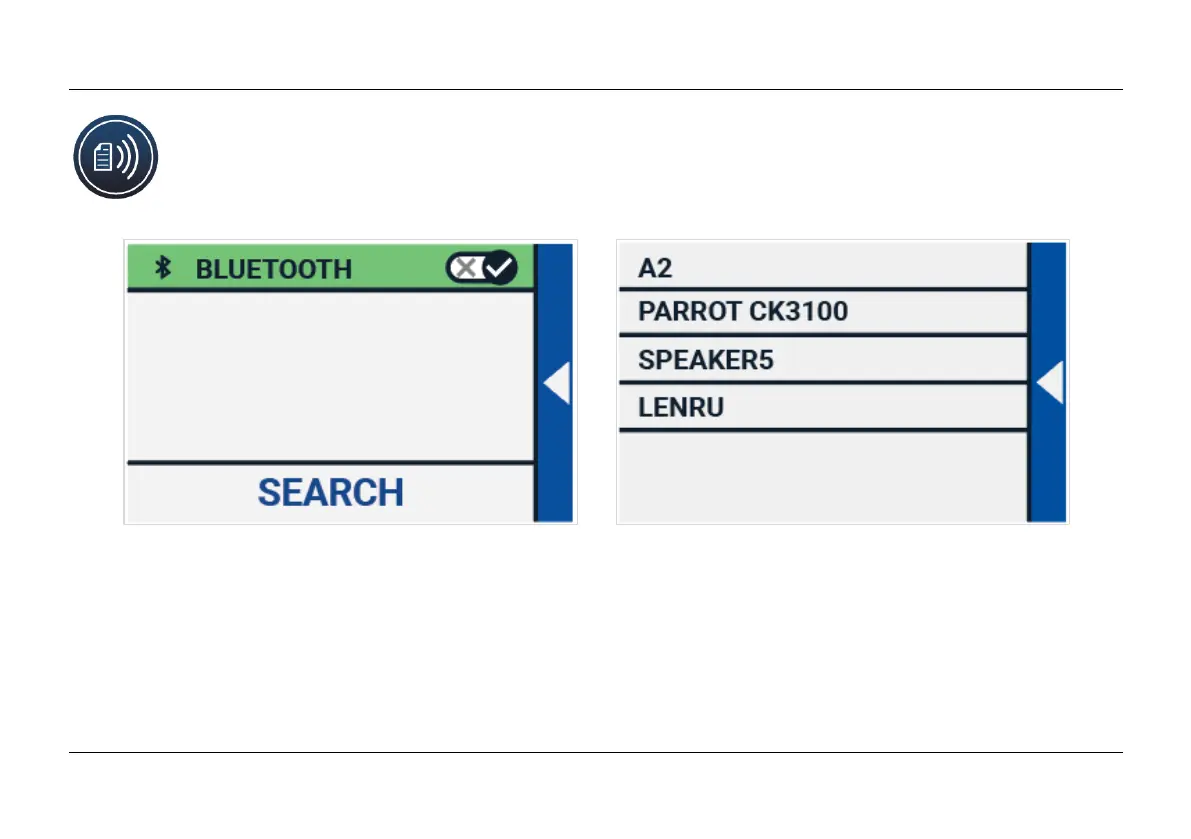
To connect a Bluetooth speaker or headphone, tap the “Bluetooth” button and switch
Bluetooth on.
A list with paired devices is being displayed.
If no speaker or headphone is being paired, tap the “Search“ button to search for available devices.
Before starting the Bluetooth search, make sure the speaker or headphone is switched on and is
set to discoverable. Please refer to the speaker’s or headphone’s manual on how to switch the
device to Bluetooth discoverable mode. To pair the speaker or headphone, tap on the device name















 To Next Page