Optelec Compact 10 HD & Compact 10 HD Speech
English 42
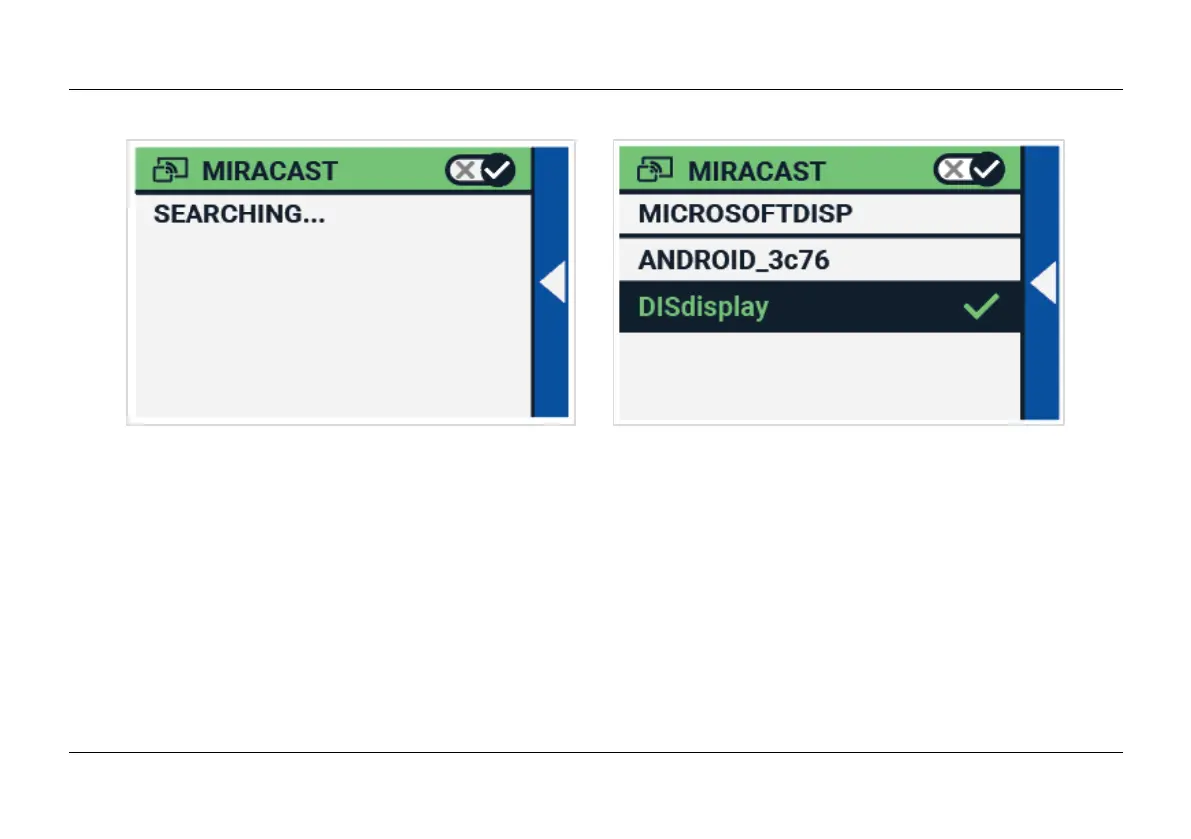
To connect your the Compact 10 HD to a monitor or TV via Miracast, tap the “”Miracast””button and
Switch Miracast on. A list with available devices will be displayed. Click on a device to connect. It
could take up to a minute to establish the connection. Tap on the device again to disconnect. When
a Miracast connection is established, both the audio and video will be streamed to the TV or monitor.
To guarantee a good connection, the Compact 10 HD needs to be within one meter or three feet of
the monitor or TV. Depending on the connection, a short delay of the video and / or audio could be
noticed.















 To Next Page