Optelec Compact 10 HD & Compact 10 HD Speech
English 22
2.4. Cleaning the cameras
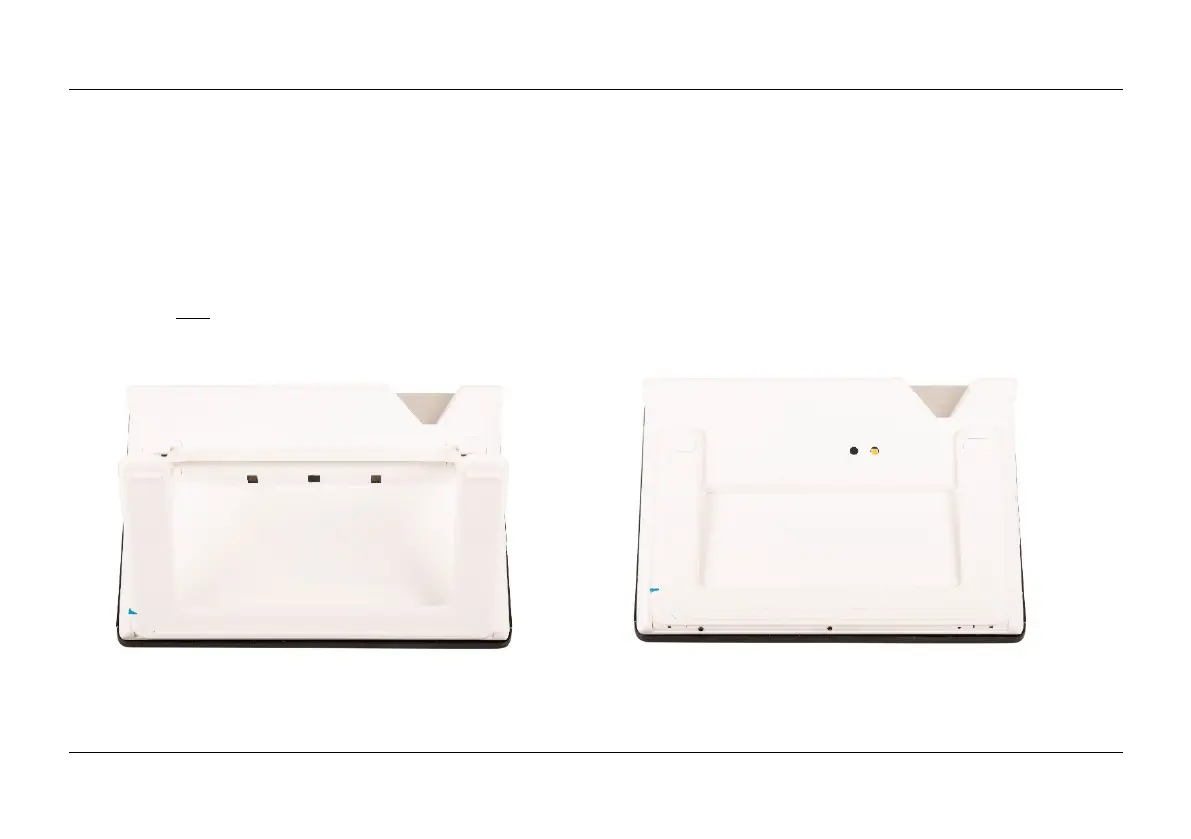
For an optimal quality image, it is recommended to ensure that the camera lens and object light
window are kept clean. A dirty camera window will result in a fuzzy image and may cause the auto-
focus camera to focus incorrectly. To clean the cameras, use the provided cleaning cloth or another
soft lens cleaning cloth.
Note: Do not use water or cleaning agents to clean the camera window.















 To Next Page