Optelec FarView
English Page 13
Menu button Pressing this button will open and close the FarView’s
integrated menu.
On / off button Press and hold the power button for approximately two seconds
to turn the power on and off. When switching the unit on, the
power light located on the right side of the screen will light up.
This light automatically goes off when switching off the FarView.
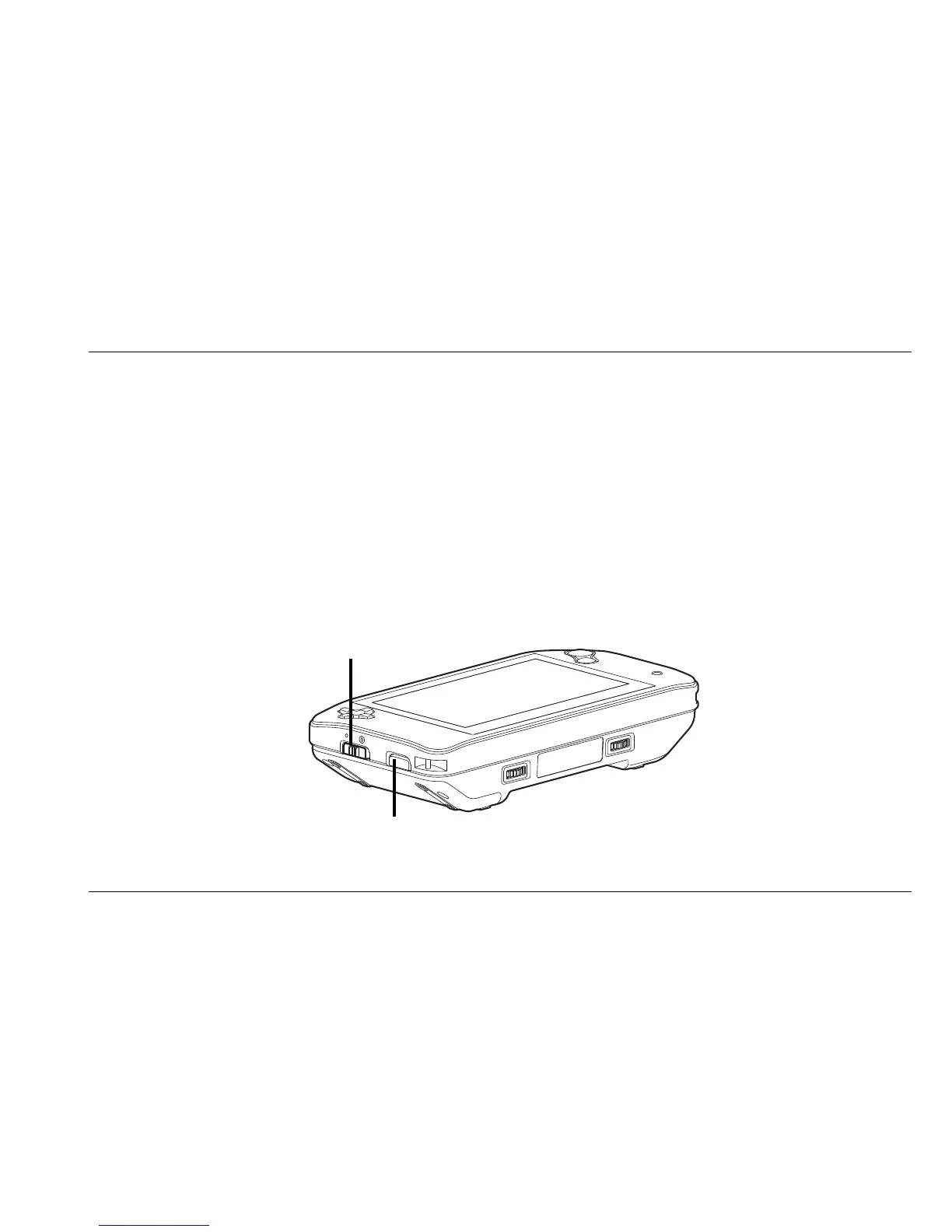
Left side
The following figure shows the left side of the FarView.
View mode
selector switch
Mode selector
button















 To Next Page