Optelec FarView
English Page 26
5. Using the FarView for distance viewing
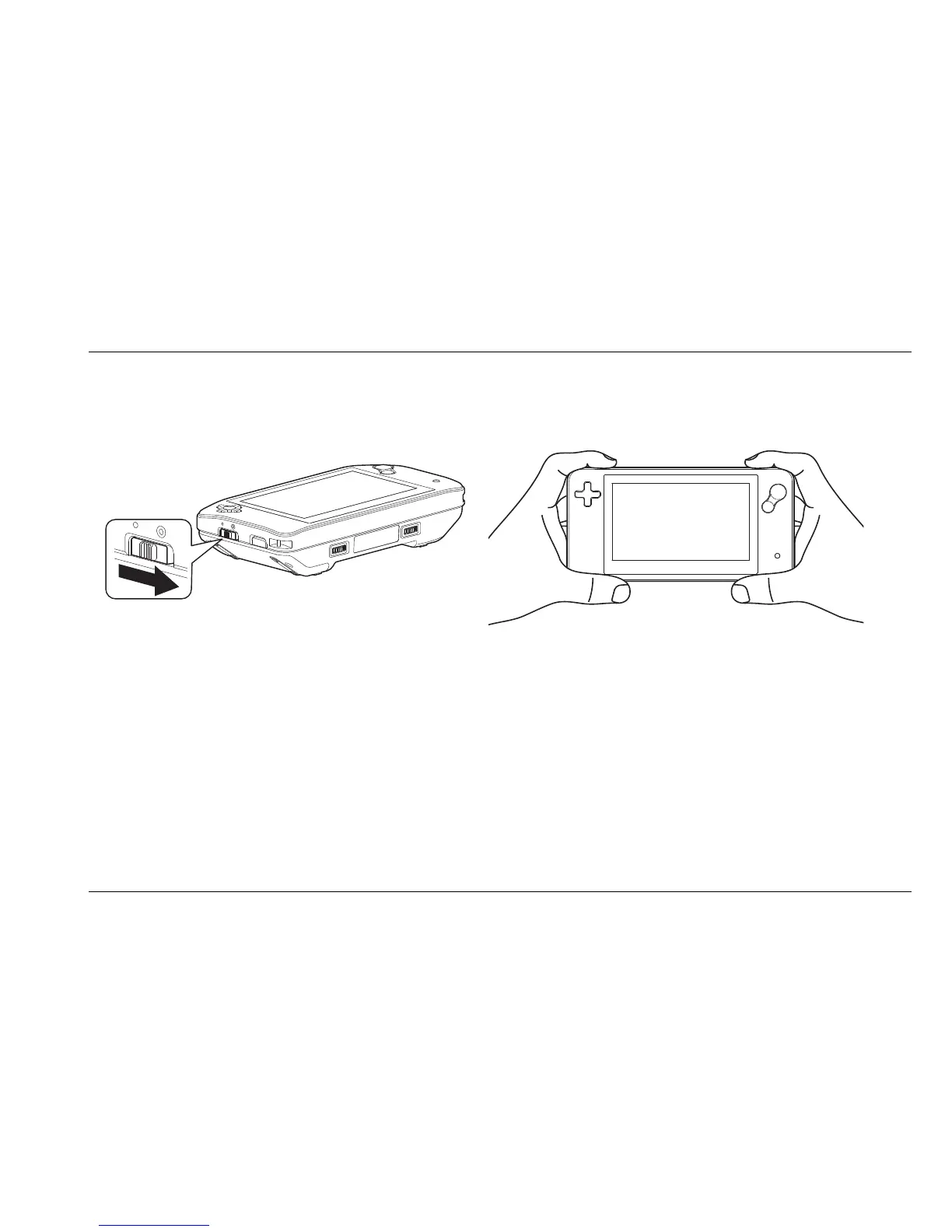
1. Select the distance mode by moving the view mode selector switch into distance mode.
The view mode selector is located on the left side of the unit.
2. Direct the unit to the text or object that you wish to look at, and use the zoom, contrast
and color settings buttons to adjust the image to your needs. You can also use the
contrast adjustment and screen brightness settings in the menu to adjust the contrast
and brightness.















 To Next Page