Optelec FarView
English Page 24
- Yellow-Black mode: reading in high contrast yellow text on black background
- Yellow-Blue mode: reading in high contrast yellow text on blue background
- Blue-Yellow mode: reading in high contrast blue text on yellow background
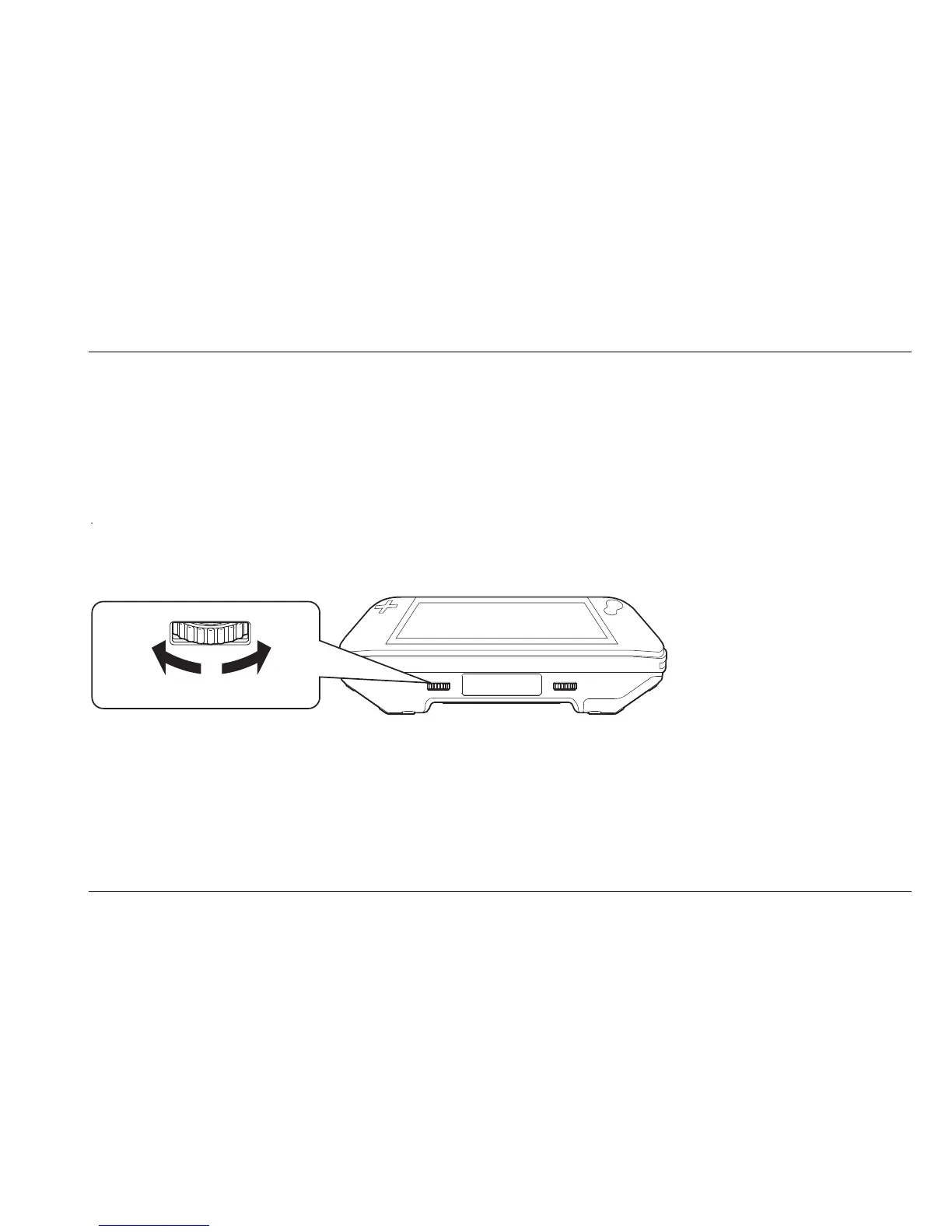
Contrast settings
Rotating the contrast adjustment button, located left on the left of the bottom side of the unit,
allows you to adjust the contrast for a clearer image.















 To Next Page