Optelec FarView
English Page 25
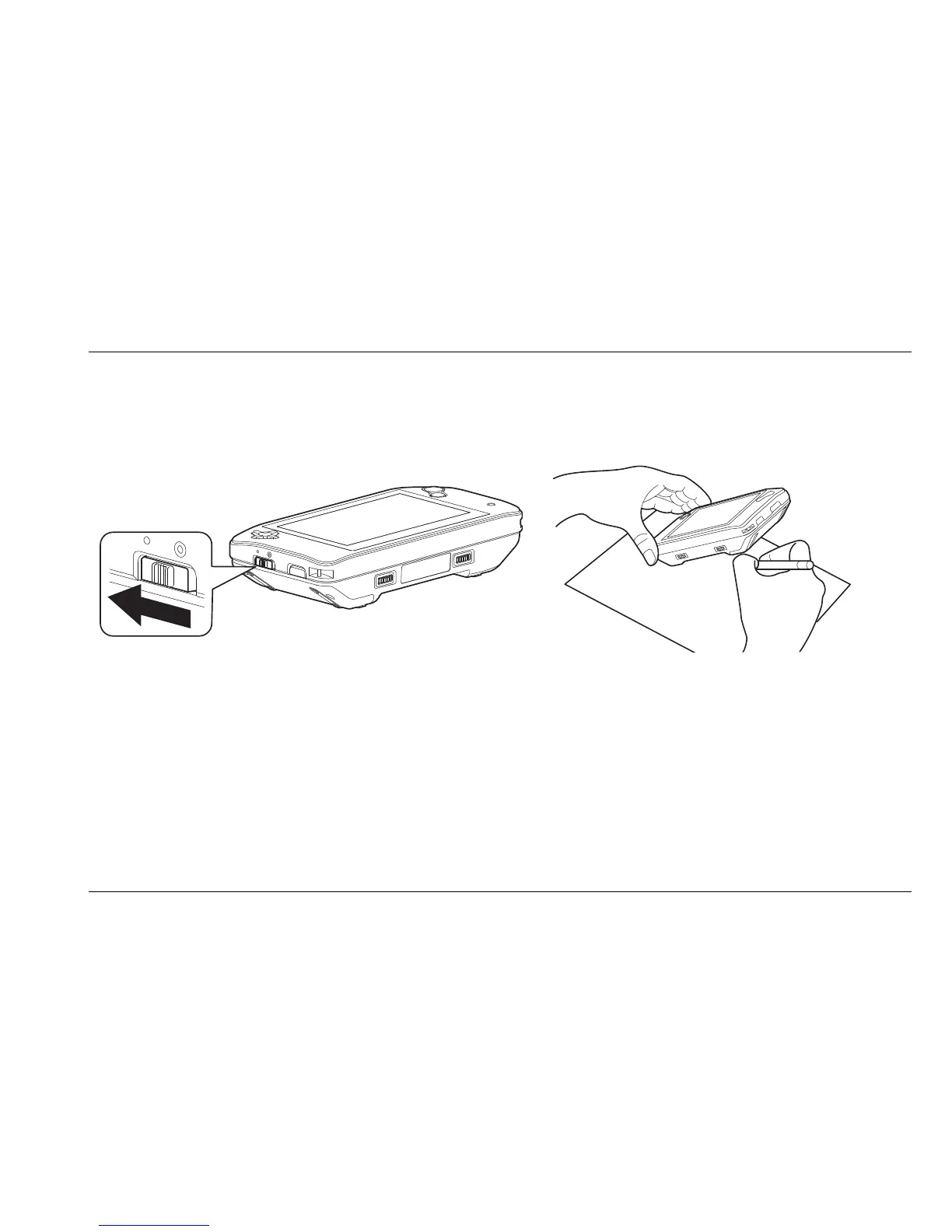
Using the FarView for writing
1. Select the close-up viewing mode by setting the view mode selector switch to close-up
mode.
2. Place the unit on the paper with the display facing up.
3. Press the FarView down on the cursor button side.
4. Press the focus / return button to focus on the text.
5. Place your pen under the raised side to start writing















 To Next Page