Optelec FarView
English Page 34
7. Using the FarView Menu
The FarView has an integrated menu that enables you to adjust many built-in settings to your
needs.
Opening the menu
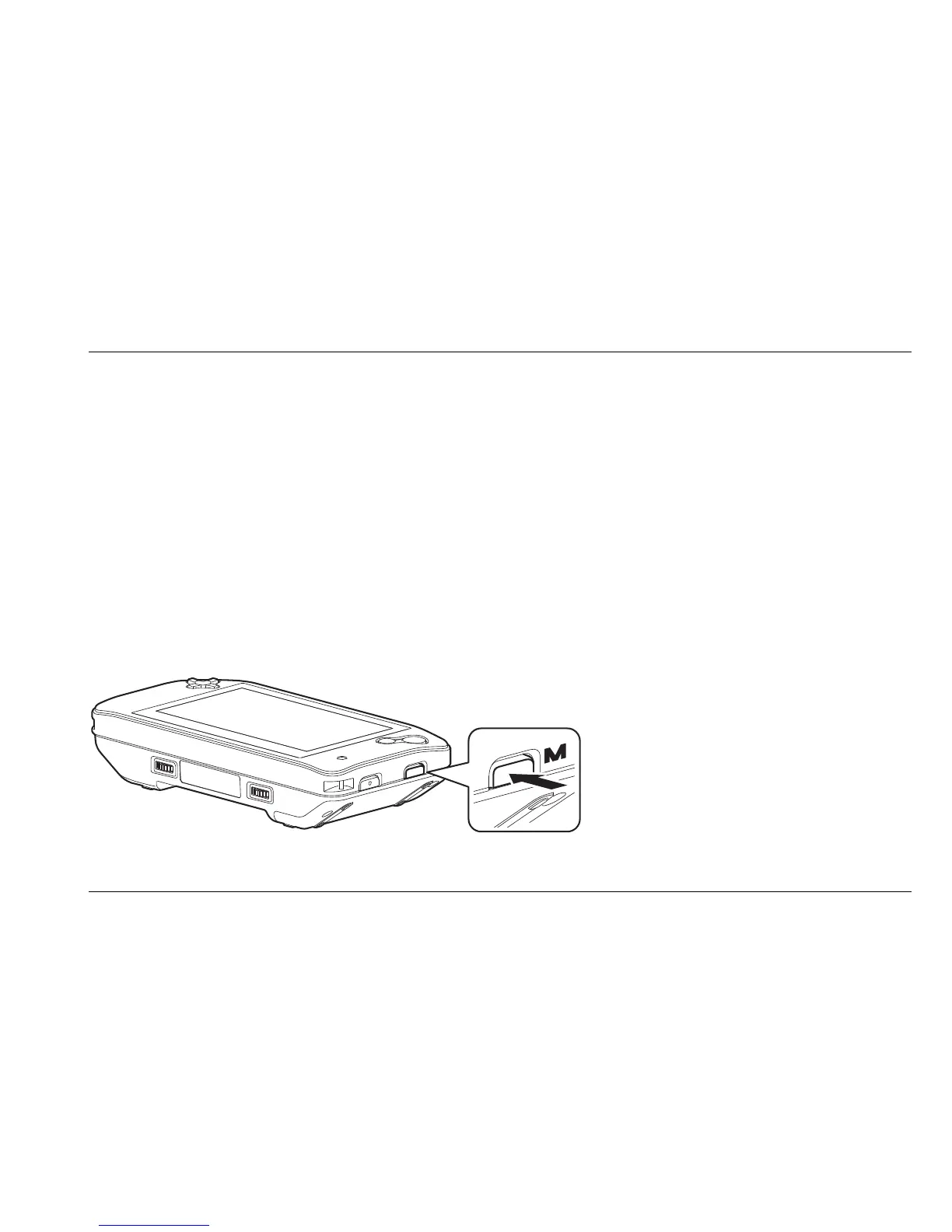
Press the menu button, located on the right side of the unit, to open the main menu. Use the
cursor buttons ‘up’ and ‘down’ to navigate through the menu. Press the right cursor button to
open the selected menu item.
To close the menu, press the menu button again and return to the viewing mode.















 To Next Page