Optelec FarView
English Page 31
6. Picture Playback Mode
The pictures stored in the FarView’s internal memory can be recalled and displayed on the
screen.
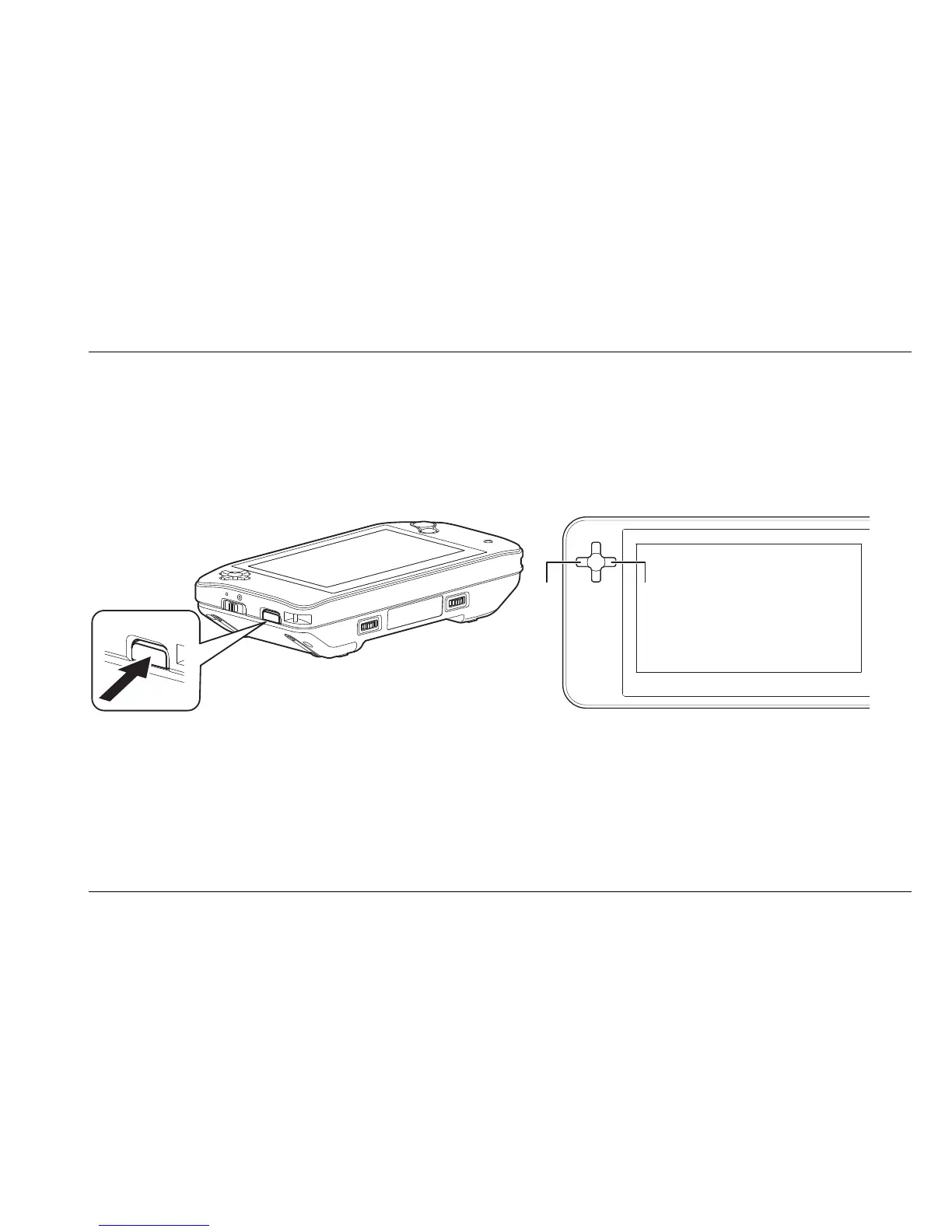
1. Switch the unit into playback mode by pressing the mode selector button on the left side
of the unit.
2. Use the cursor buttons, located on the left side of the screen, to navigate through the
images. Pressing the left cursor button will display the previous image, whereas pressing
the right cursor button will display the next image.















 To Next Page