13
3) Fan speed button 【Fn】
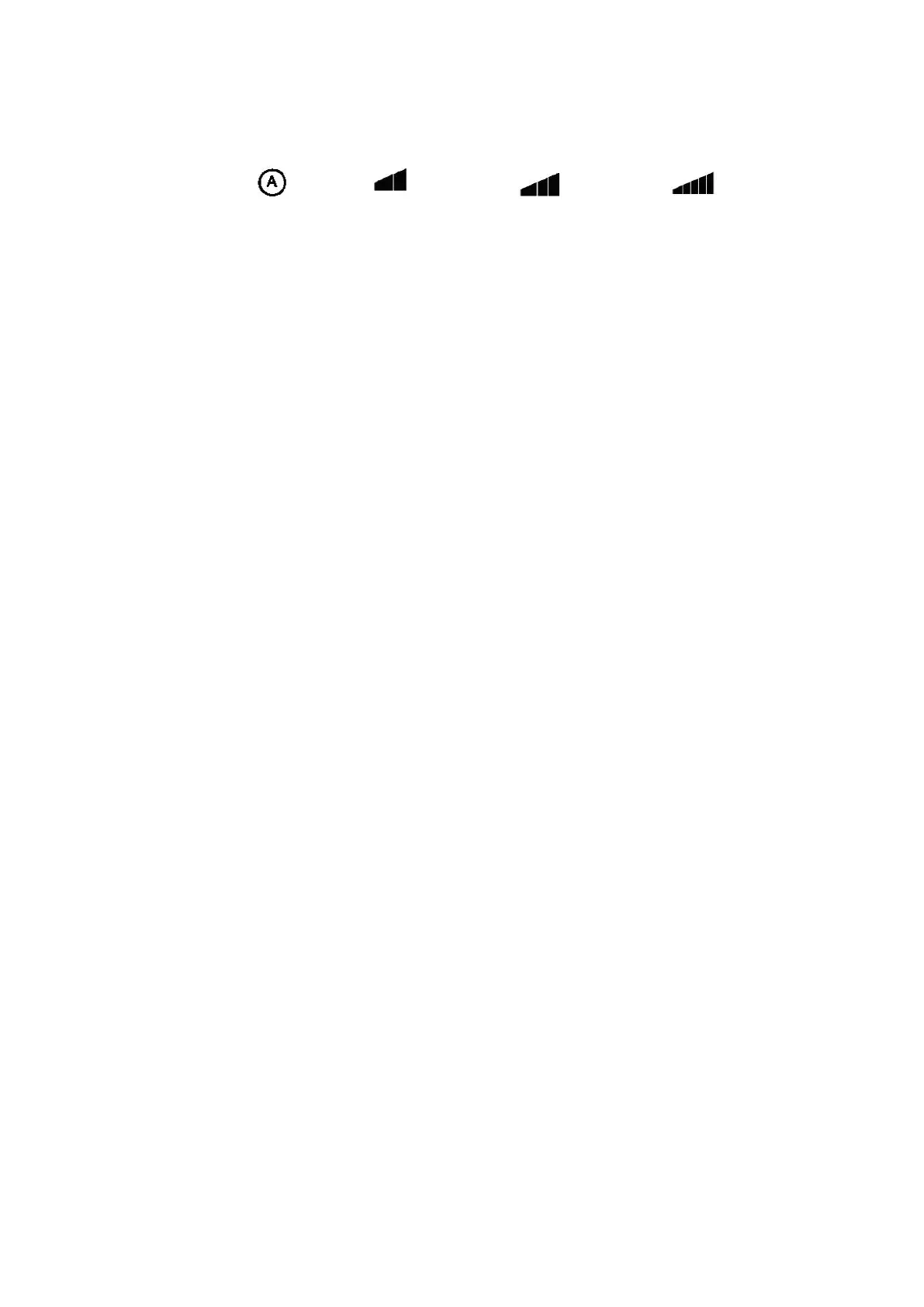
This is used for the selection of the air speed of the fan, the sequence is:
Automatic Low Medium High
The speed changes each time the Fn key is pressed.
If the automatic ventilation mode is selected in the cooling mode, the unit will
go up or down depending on the ventilation cooling requirements.
4) Temperature setting
Users can set the temperature from 16 ℃ to 34 ℃ when the ▲ or ▼ button is pressed, the SET TEMP
temperature setting will be displayed on the display, when pressed again. Here the user can set the
desired temperature. To confirm setting press and hold. After 3 seconds, the setting will be saved.
Use【M】mode button to switch between day and night.
5) Time setting 【T】 key
Press the 【T】 button to select the hours and now press the ▲ or ▼ button to change the hours.
Press 【T】 button again start flashing the minutes, and now press the ▲ or ▼ button to change the
minutes. Now press 【R】 key to confirm the entry.
6) Automatic Brightness sensor setting (Day / Night Mode)
In the humidistat of the pro3 is a light cell. This shows when the light is on, in light it switches to day
mode and no light to night mode. Only the Day / Night temperatures should be set, the rest is easy.
If you still want to set the unit manually the automatic light sensor can be disabled, by pressing the
【M】 mode button for 3 seconds.
This mode alternates between light emitter and manually. By pressing the【M】button another 3
seconds the mode goes back to the emitter mode. If the automatic light cell is activated, there will
be a big A shown in the display panel.
It is important to note that when the timer setting is programmed, the automatic light sensor mode is
deactivated. So only install a timer when in use and use advanced options to configure.
The Timer mode is active when a clock symbol is on the display.
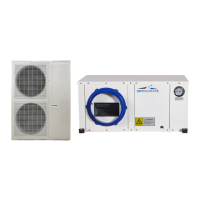
The external unit should be connected to the light sensor on the terminal block in the electrical
compartment (terminal 12, 14 and 18) otherwise the unit will remain in night mode because no light
is detected. This is the standard connection.


 To Next Page